What this tool does
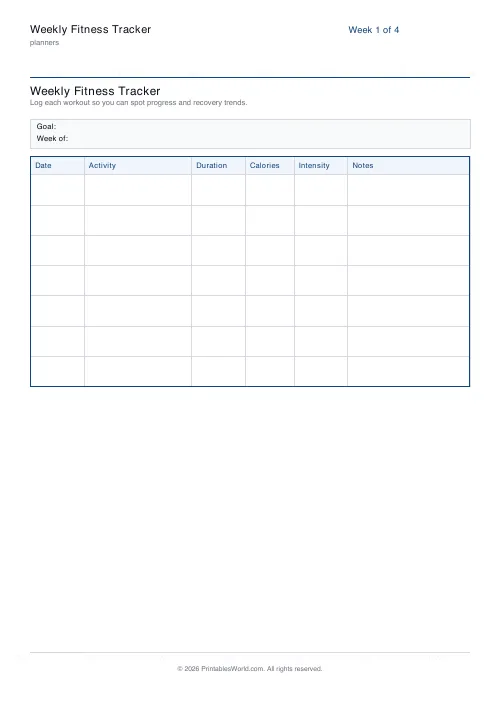
A week of training on one page: a row per day with columns for the activity, how long it took, the calories, how hard it felt and a note. A goal strip runs across the top. One to four weeks per download.
People also used
Feedback
Spotted something off with this tool?
A row a day, five columns, one goal line
Six columns — the date, what you did, how long for, the calories, how hard it felt, and a note — repeated across seven days, with a strip at the top of the page for the week's goal.
Print one to four weeks at a time. Four stapled together is a month you can flick back through, which is when the useful patterns show up.
The notes column is the one that pays off
Duration and intensity tell you what you did. The notes tell you why it went the way it did, and only one of those is actionable.
"5k, felt heavy, slept badly" explains a slow week in a way four numbers never will. Three weeks carrying that same note is a sleep problem being mistaken for a fitness plateau. You would never see it in the durations.
Keep it to a few words. This is not a journal and a column that takes effort stops being filled in by Thursday.
On the calories column
Treat whatever your watch or the machine says as a rough index rather than a measurement. Consumer estimates of energy expenditure are known to be unreliable, and the error is not small — validation studies routinely find them out by a fifth or more, in either direction, and worse for anything that is not steady-state running.
Which does not make the column useless. Recorded consistently from the same source it tracks change over weeks perfectly well, and that is what you are looking at. It is the absolute number that should not be trusted, particularly if you are eating back what it claims you burned.
Write the goal before the week
The strip at the top is small on purpose. One sentence, written on Sunday, before any of the rows exist.
"Three runs" is a goal. "Get fitter" is not, because nothing that happens on Wednesday can tell you whether you did it. A goal you can score at the end of the week is the only kind worth writing down.
Why paper for this
Every fitness app tracks all of it automatically and better. What paper does is make the week visible without unlocking anything, and make an empty row a thing you look at rather than a thing you scroll past.
It also lets you record whatever you like without an app deciding it is not an activity. Gardening, carrying shopping up four flights, an hour of physiotherapy exercises — all real and mostly untracked.
What is under your control
A title and how many weeks (1–4). A4 or US Letter, printed at 100%.
The columns are fixed. If you want different ones, the data collection table takes your own headings and up to thirty rows.
FAQs
Quick answers
How many weeks can I print at once?
Pick 1 to 4 weeks. Each week prints on its own page so you can tear them out and pin them up.
Can I track strength and cardio on the same sheet?
Yes. The Activity column is free-text, so you can write "Run", "Squats 5×5", "Yoga" or anything else, with intensity and notes to describe it.
Does it include a calorie goal or totals?
No. The sheet is deliberately simple. Write your weekly goal in the strip at the top and sum totals at the end of the week if you want.
Is it suitable for gym trainers to hand to clients?
Yes. Print once, photocopy for the week, and write "Week of:" and the client goal in the header strip.
Related tools
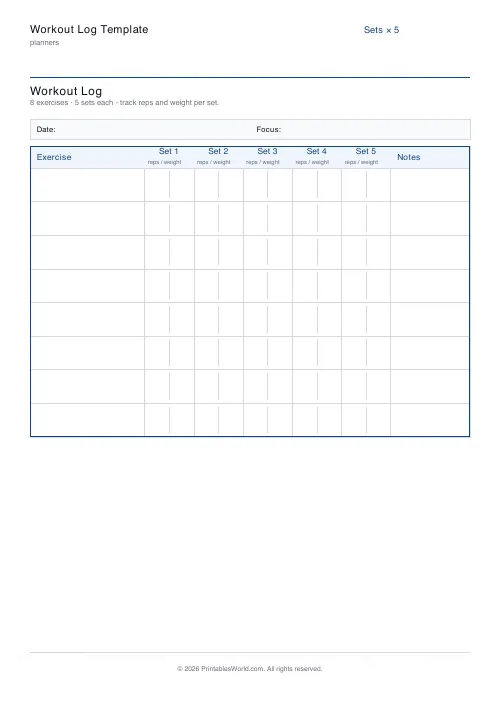
Workout Log Template
Printable workout log with sets × reps × weight columns for multiple exercises.
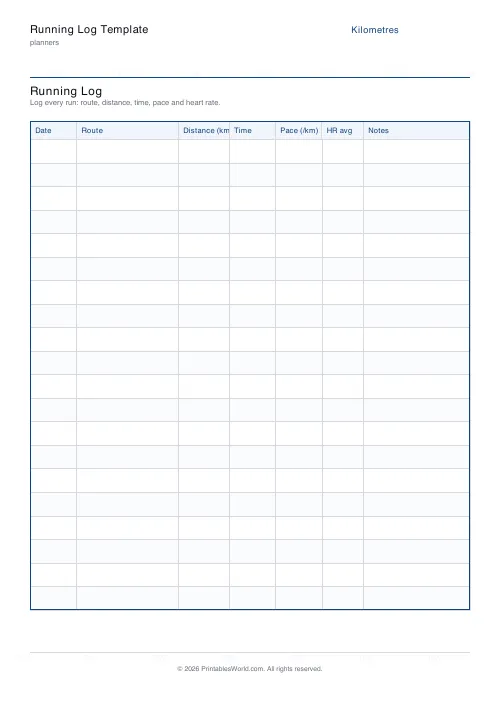
Running Log Template
Printable running log with date, route, distance, time, pace, HR avg and notes.

30-Day Habit Tracker
A printable 30-day habit grid to tick off every morning. One row per habit.
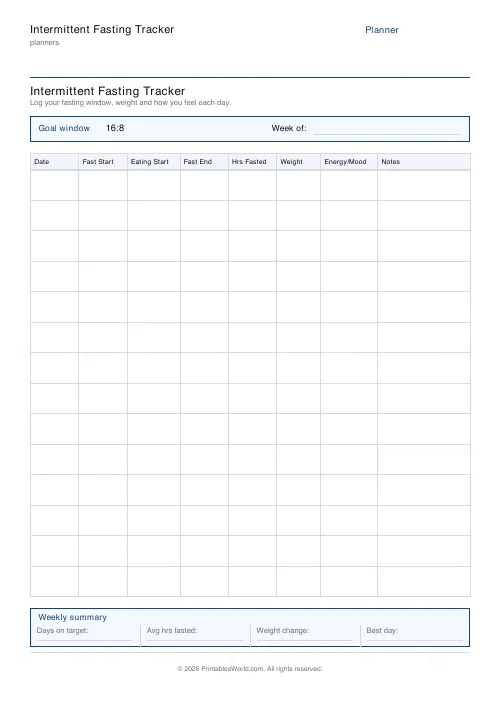
Intermittent Fasting Tracker
One-page printable IF log: fasting window, weight, energy and notes with a weekly summary.
Further reading
Planners
How to pay off debt faster with a payoff tracker
One method costs less; the other is easier to stick to. Here is how to choose between them honestly, and why a visual tracker changes the odds either way.
5 min read
Planners
Meal planning 101: save time and money every week
A weekly meal plan saves money mainly by changing how you shop. Here is a thirty-minute method, the shortcuts that keep it going, and the mistake that ends most plans in week three.
5 min read












