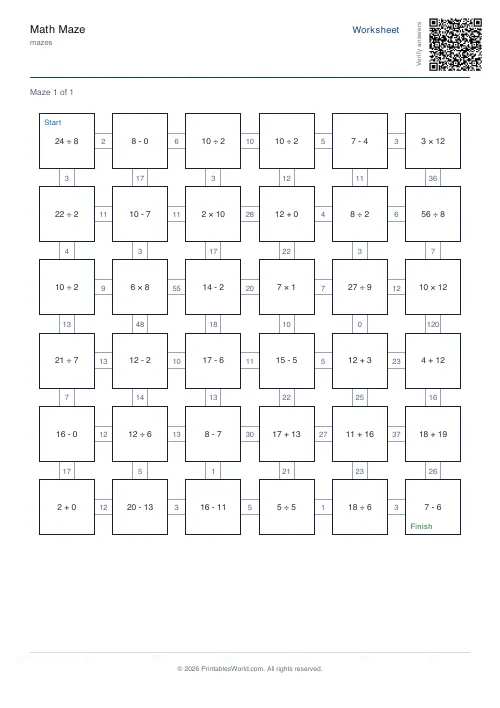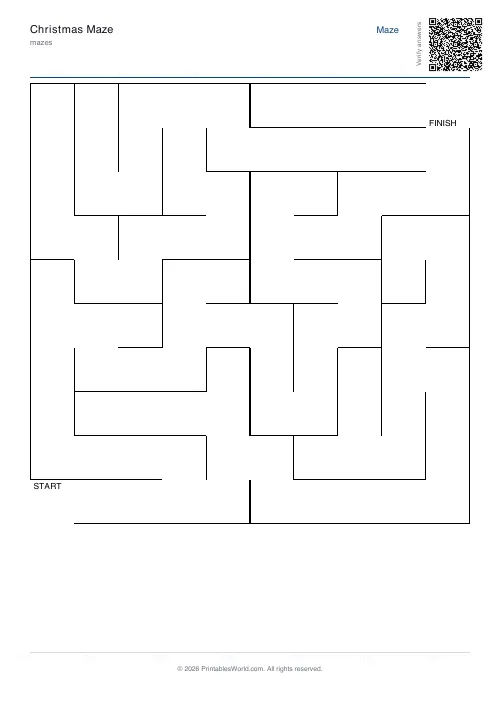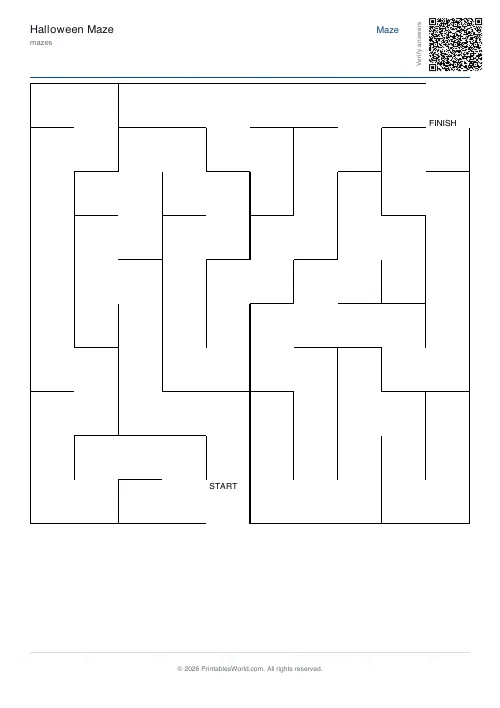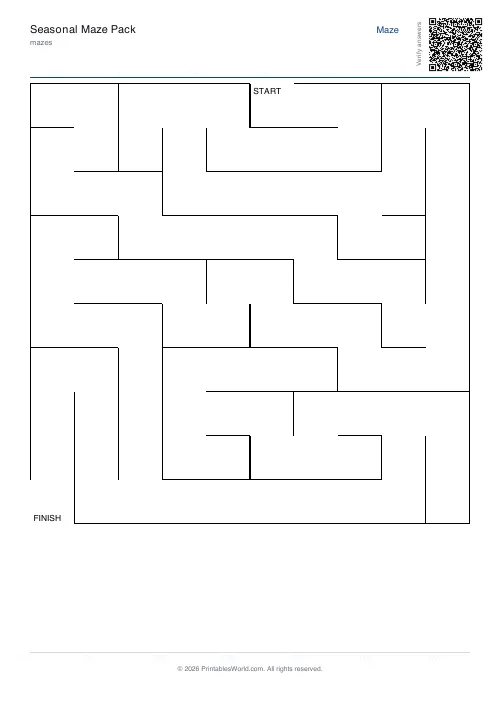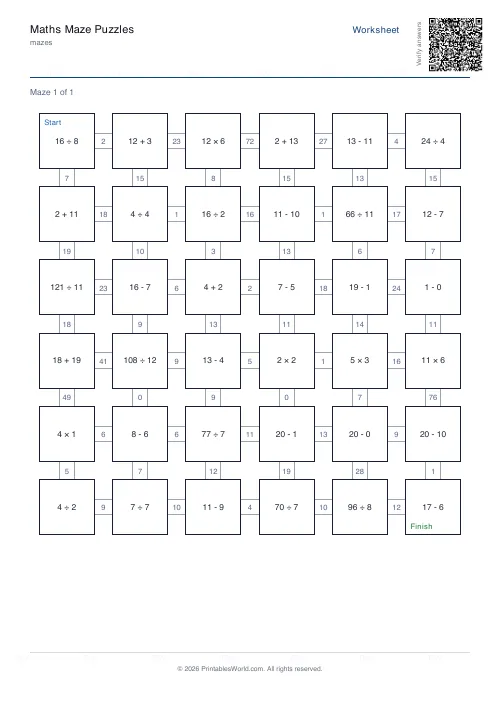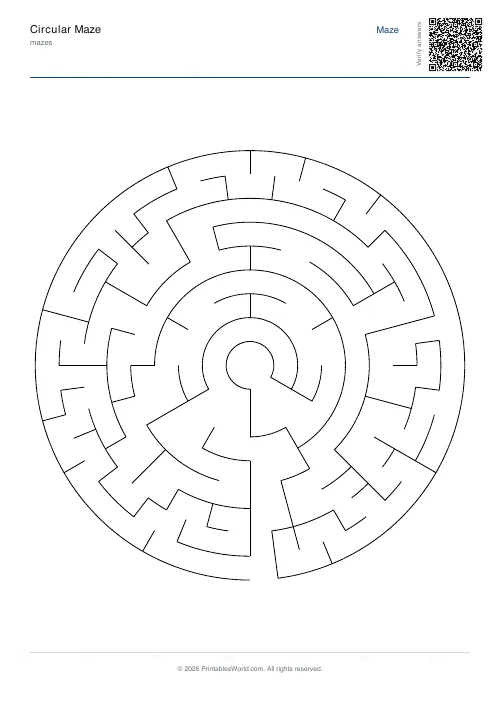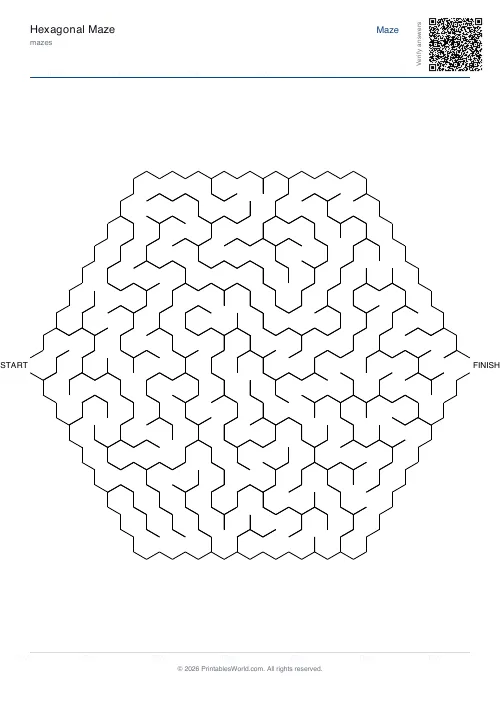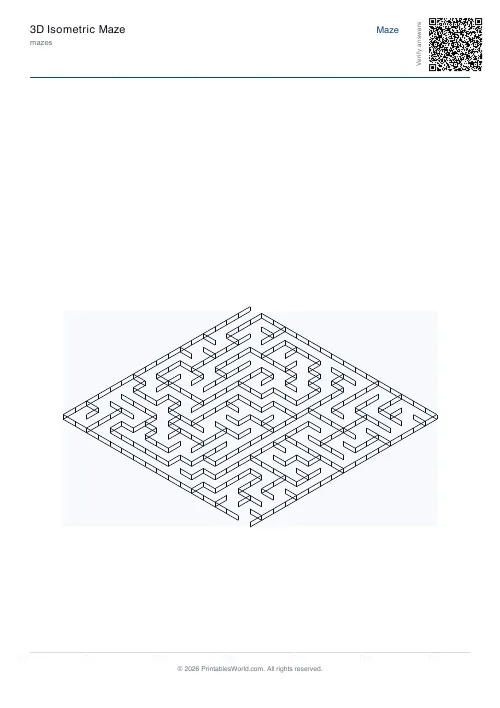
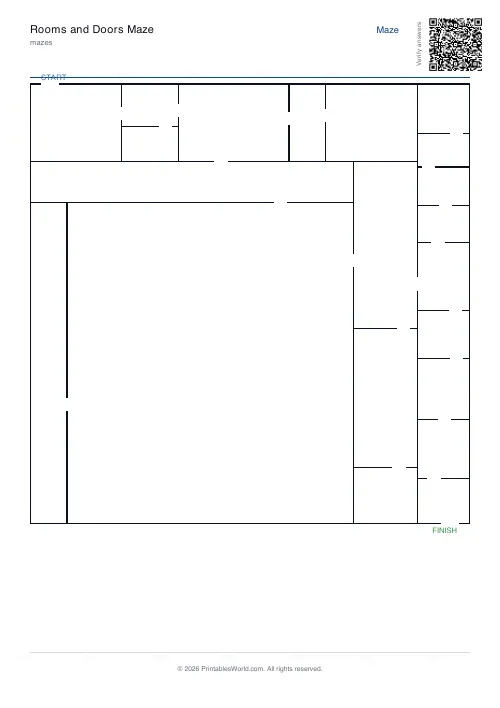
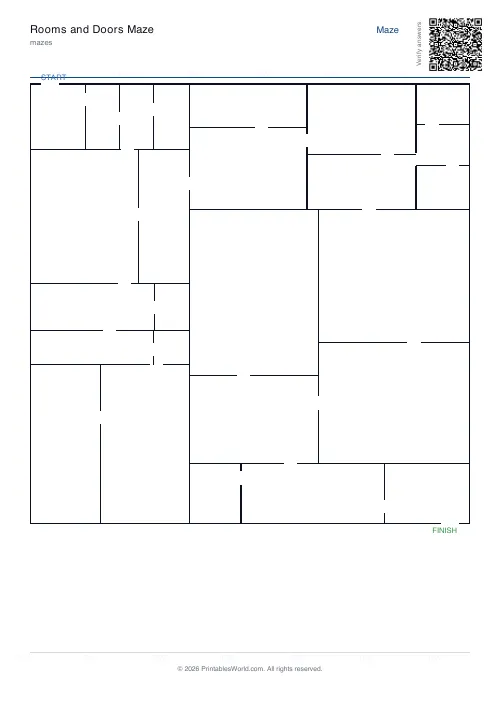
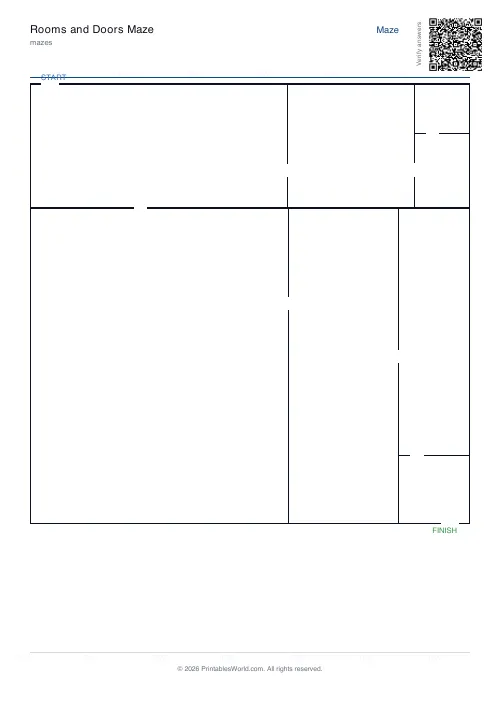
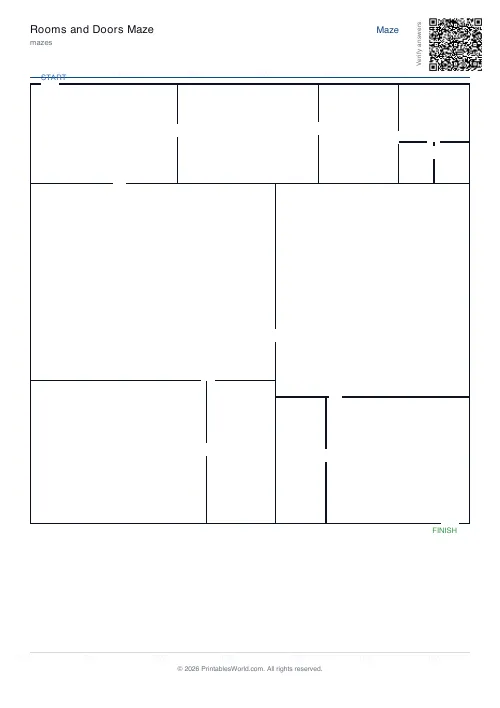
What this tool does
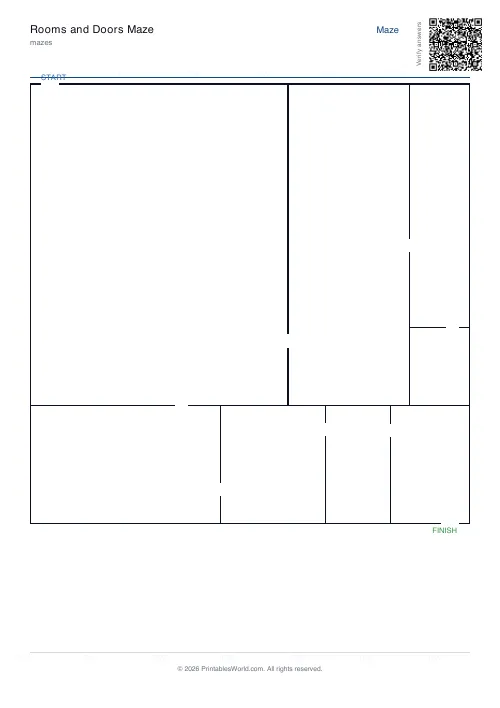
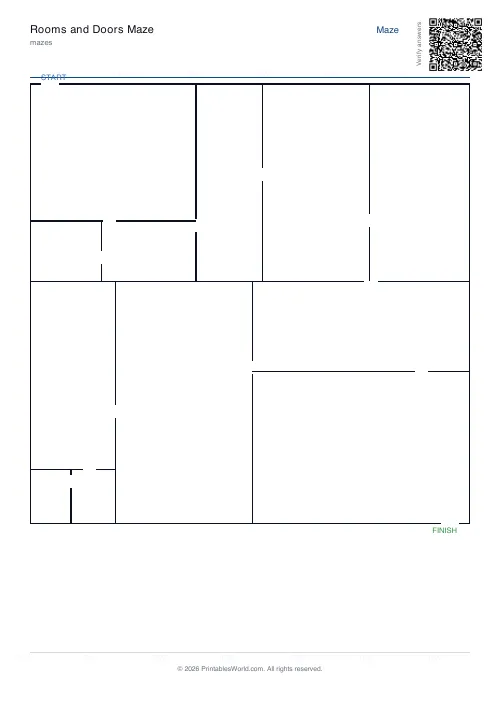
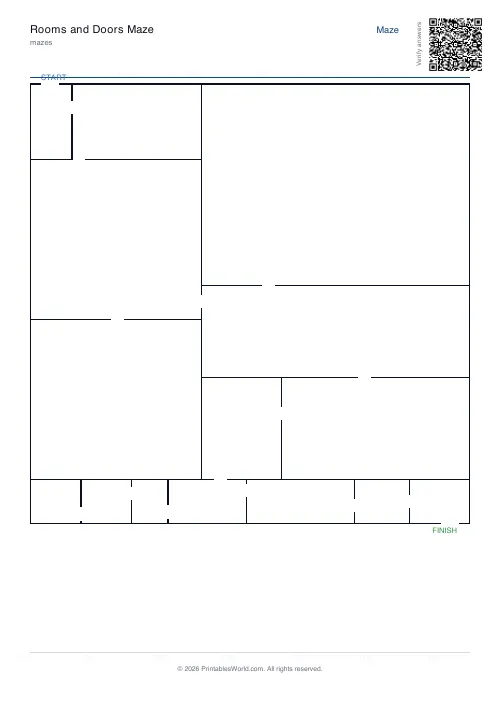
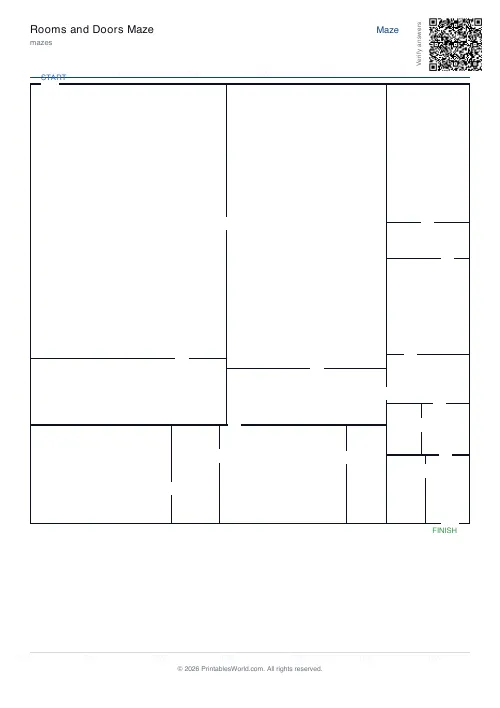
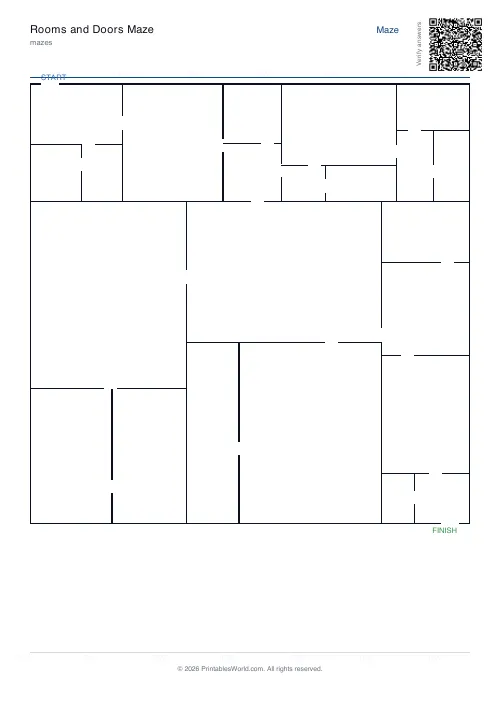
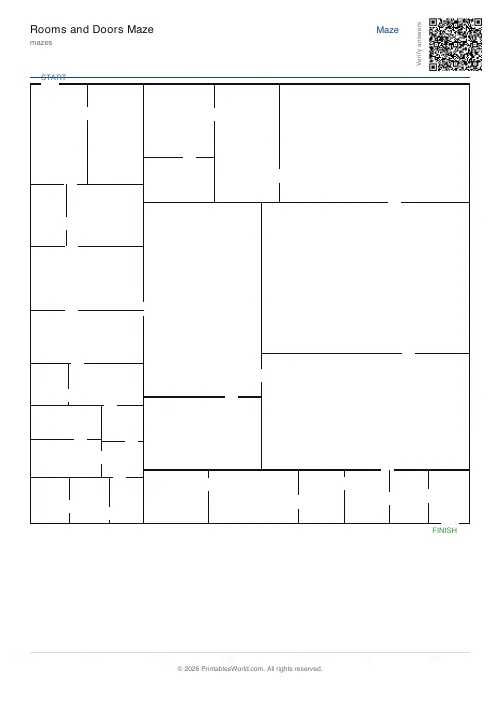
A floor-plan maze. The page is split into rectangular rooms and each shared wall gets a single door, so you navigate room to room from the START door to the FINISH door. Six to forty rooms.
People also used
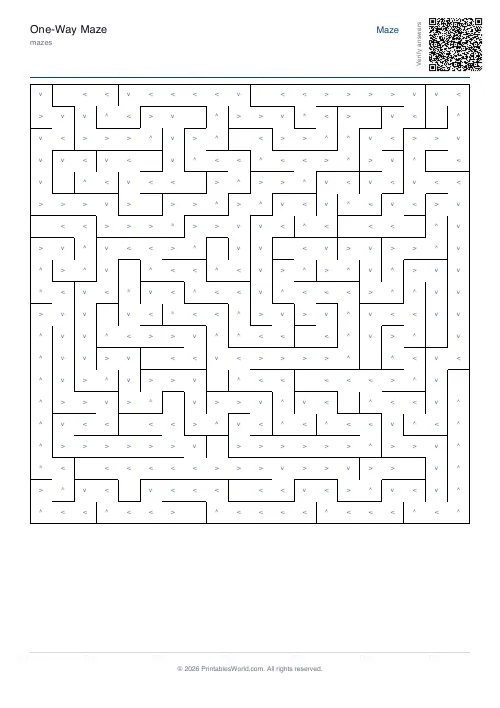
One-Way Maze
Arrows restrict movement to one direction only, adds extra complexity.
Escape Room Maze Pack
Multi-stage maze pack across four pages. A paper escape room.
Maze Generator: Printable PDF
Generate printable maze PDFs with custom grid size, difficulty, and layout. Perfect, braided, or room-based.
Feedback
Spotted something off with this tool?
Rooms and doorways, not corridors
The page is divided into rectangles by repeatedly splitting it, and every wall between two rooms gets exactly one door punched through it. You start at a door on the outside and work through the building to the exit.
It looks like a floor plan, which is the point — a solver reads it as a building rather than as a puzzle, and that changes how they approach it.
Why it solves differently from a grid maze
In a square maze the decision points are everywhere and the corridors are all the same width. Here the rooms are different sizes and the doors are in different places, so the page has landmarks.
That makes it easier to hold in your head and harder to search systematically. Solvers navigate by recognising rooms — "back through the long thin one" — rather than by tracking a corridor, and the mistakes they make are different: not dead ends so much as walking through the same room twice without noticing.
Because every pair of adjacent rooms is joined by exactly one door, the connections form a tree. There is precisely one route between any two rooms, no loops, and no room is walled off.
Room count
Six to forty, with the island offering 8, 12, 16, 24 and 32.
At eight rooms the whole plan is visible at a glance and a five-year-old can do it. At thirty-two the rooms are small, the doors are close together, and the solve is a proper search — and the drawing starts looking convincingly like an office floor.
Sixteen is the default and suits most people.
Where it earns its place
It is the maze that does not look like a maze, which matters for a child who has decided they are bored of them.
It also connects to something real. Ask a class to compare it with a plan of the school, or to mark a fire route through it, and the puzzle turns into a lesson about reading a floor plan — which is a genuinely useful skill and almost never taught directly.
For drawing their own, the floor plan grid gives squared paper set up for it.
What is under your control
Room count, the solution page (off by default here), a seed, and A4 or US Letter.
Solutions default to off because these get printed in stacks for parties and quiet time, where an answer page stapled behind is a spoiler.
Print at 100%.
FAQs
Quick answers
How is the floor plan generated?
A recursive splitter divides the bounding rectangle into smaller rectangles. Each new wall has a single random door punched into it.
How many rooms can I have?
Anywhere from 6 to 40. More rooms means a denser plan with more doors to navigate.
Is there always a path from start to finish?
Yes. Every wall has a door, and rooms form a connected graph by construction.
Can I print the solution?
In v1 the solution page just adds an instruction line. There is no overlaid path because rooms are continuous regions, not grid cells.
Related tools
One-Way Maze
Arrows restrict movement to one direction only, adds extra complexity.
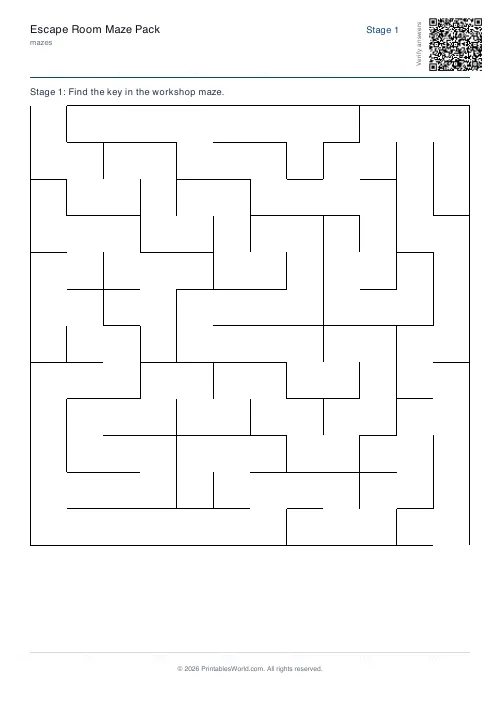
Escape Room Maze Pack
Multi-stage maze pack across four pages. A paper escape room.
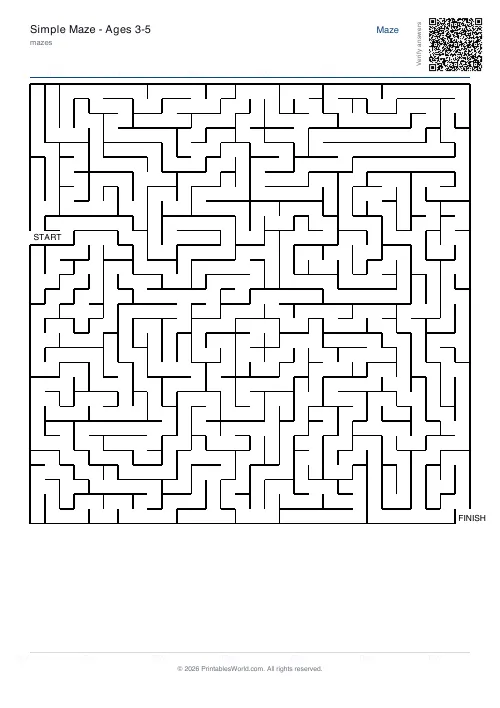
Maze Generator: Printable PDF
Generate printable maze PDFs with custom grid size, difficulty, and layout. Perfect, braided, or room-based.
Further reading
Mazes
Why mazes are great for kids' development
Mazes are one of the few activities that exercise pencil control and forward planning at the same time. Which is why they suit the years just before formal handwriting.
4 min read
Mazes
Printable maze difficulty: matching mazes to ages
Maze difficulty has two independent dials, and confusing them is why a maze is either too fiddly or too easy. Here is which to turn for which child.
4 min read