What this tool does
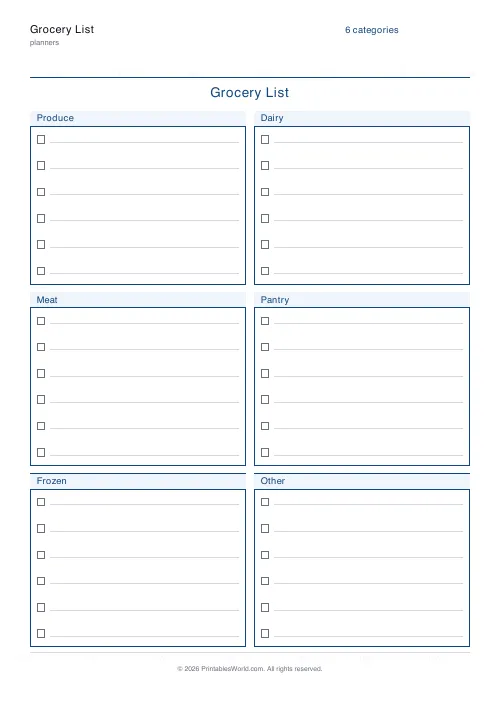
A shopping list already split into categories so you can walk the shop in order. Set your own category names and how many blank lines each block gets.
People also used
Feedback
Spotted something off with this tool?
A list split by aisle, not by when you thought of it
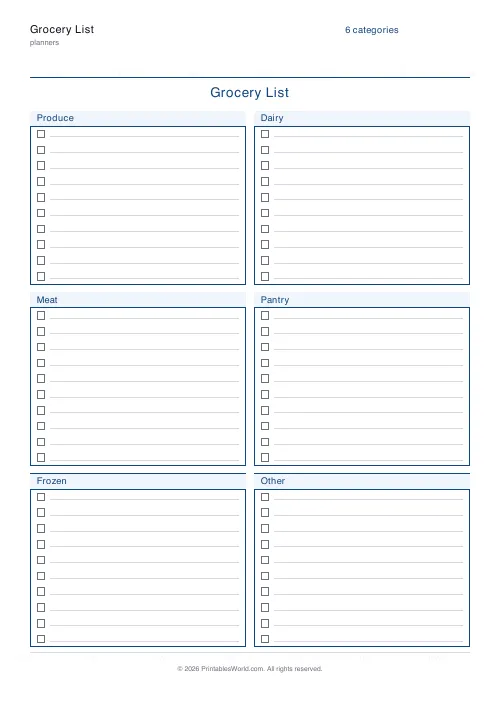
The page prints your categories as separate blocks, each with blank lines under it. Produce, Dairy, Meat, Pantry, Frozen, Other by default — rename them to match the shop you actually use.
Three to twenty lines per block.
Why a categorised list beats a written-in-order one
A list written as things occur to you sends you back and forth across the shop, and it is the reason people forget items that were on the list.
Grouping by area means one pass. It also makes the gaps visible before you leave: an empty Dairy block prompts the question of whether you actually need milk, which a linear list never asks.
The effect is small per trip and large over a year, mostly in trips not made because something was forgotten.
Rename the categories to match your shop
This is the setting worth spending a minute on, and most people skip it.
The default six are generic. Your supermarket has its own order, and a list in that order is faster than a list in a sensible order. Walk it once, note the sequence, and set the categories to match — produce first if that is where you come in, frozen last so nothing thaws.
For a market or several small shops, the categories can be the shops themselves.
Lines per block
Uneven use is normal. Produce and Pantry fill up; Frozen rarely does.
Set the count to your longest block and accept white space in the others, or run two categories you barely use into one. Eight lines is a reasonable default for a weekly shop; three or four suits a top-up.
Leave it out where the cooking happens
The list only works if it is written when something runs out rather than reconstructed on Saturday morning from memory.
Which means it lives in the kitchen with a pen attached, not in a drawer. That is the entire difference between a system that works and a printable that gets printed once.
Paper against a phone
The phone list is always with you, and that alone makes it better. Paper wins on two things. Anybody in the house can add to it without installing anything. And it never goes dark or interrupts you with a notification while you are standing in an aisle trying to remember whether you have eggs.
Plenty of households run both. The paper one collects, and it gets photographed on the way out.
On the form
A title, your category names, and lines per category (3 to 20). A4 or US Letter, printed at 100%.
FAQs
Quick answers
Can I change the categories?
Yes. Edit the comma-separated list of categories in the settings panel. Add, remove or rename them, and the grocery list re-lays itself out.
How many lines per category?
Pick any value between 3 and 20. Fewer lines give taller rows for bigger handwriting, more lines pack the page.
Is there a tick box next to each line?
Yes. Every line starts with an empty check box so you can tick items off as you shop.
What paper size is it?
Choose A4 or US Letter. The list lays out in two columns on either size.
Related tools

Weekly Meal Planner
Plan seven days of breakfast, lunch and dinner on one printable page.
Monthly Meal Planner
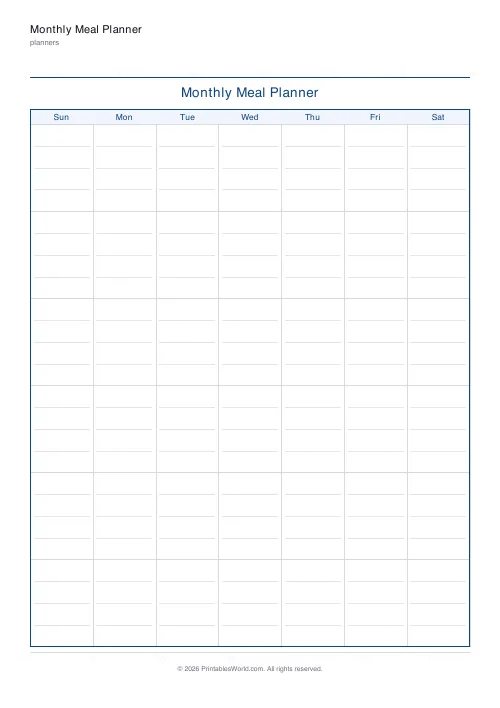
A calendar-style monthly meal planner with space to write meals in every day.
Recipe Card Template
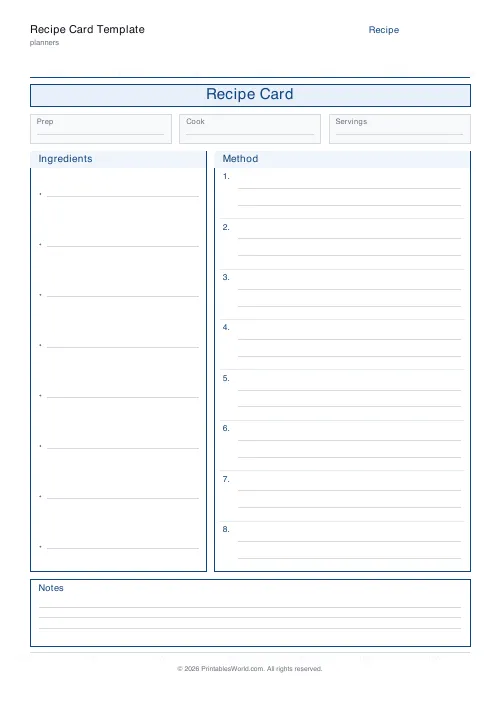
A clean printable recipe card with ingredients, method and notes.
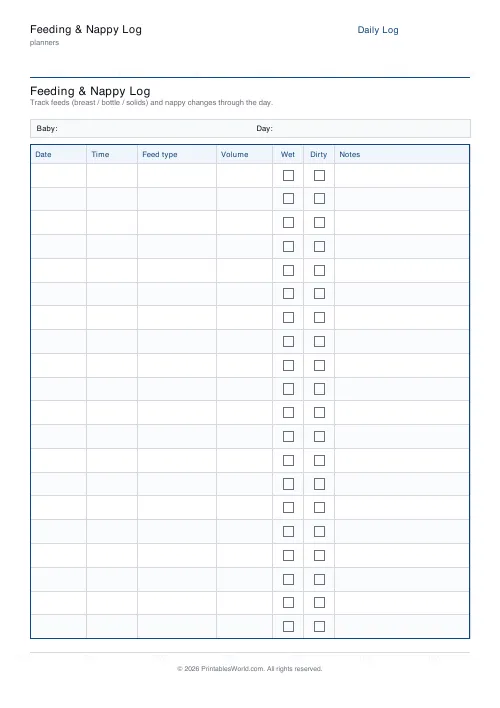
Feeding & Nappy Log
Printable feeding & nappy log with time, feed type, volume and wet/dirty tick boxes.
Further reading
Planners
Meal planning 101: save time and money every week
A weekly meal plan saves money mainly by changing how you shop. Here is a thirty-minute method, the shortcuts that keep it going, and the mistake that ends most plans in week three.
5 min read
Planners
How to build a daily routine that actually sticks
Most routines fail in week two, when motivation runs out and nothing has replaced it. The fix is structural: fewer items, fixed anchors, and a plan for the day you miss.
6 min read












