What this tool does
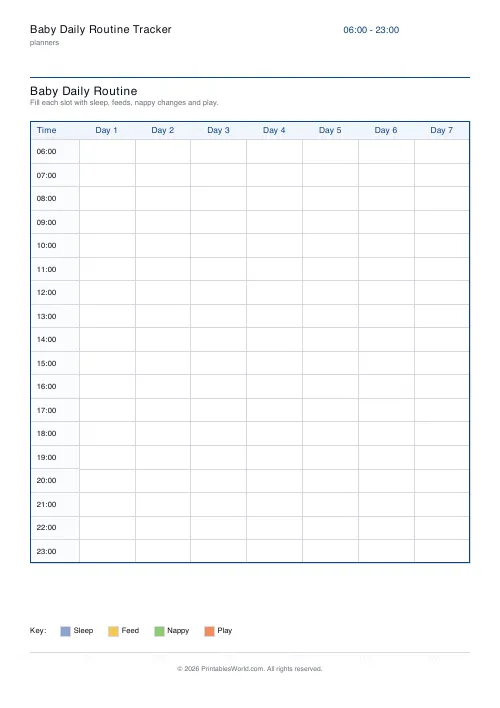
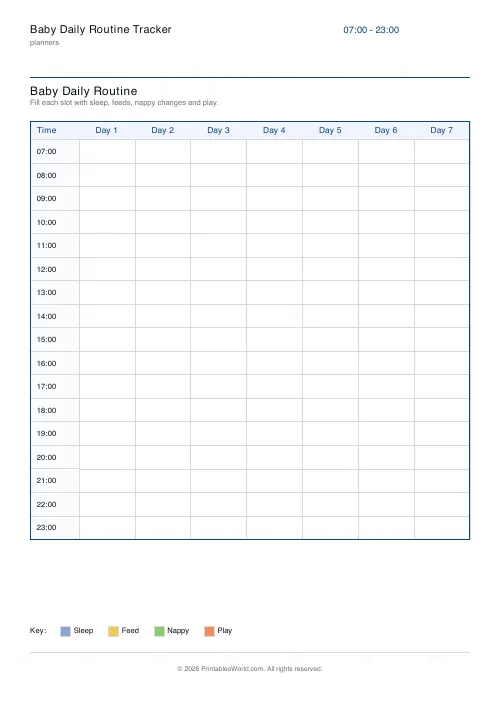
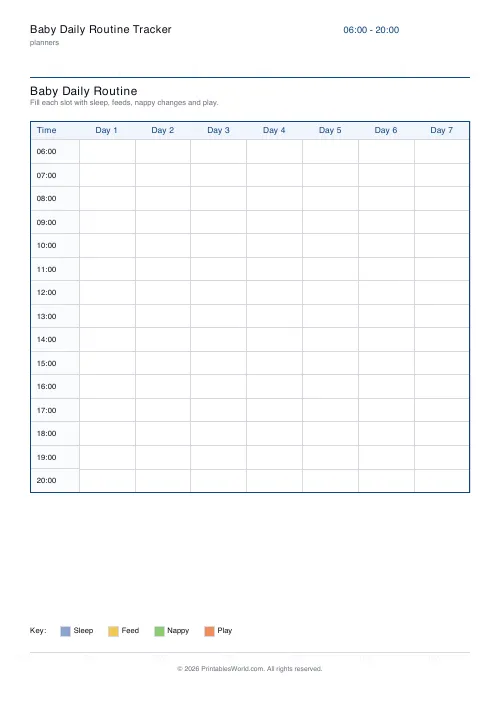
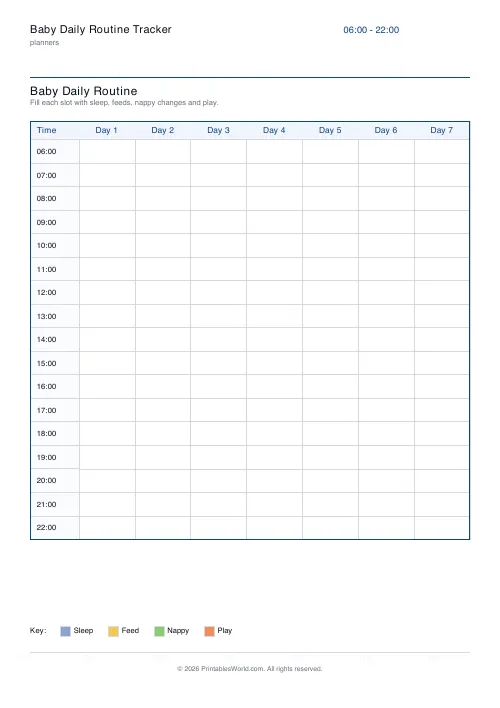
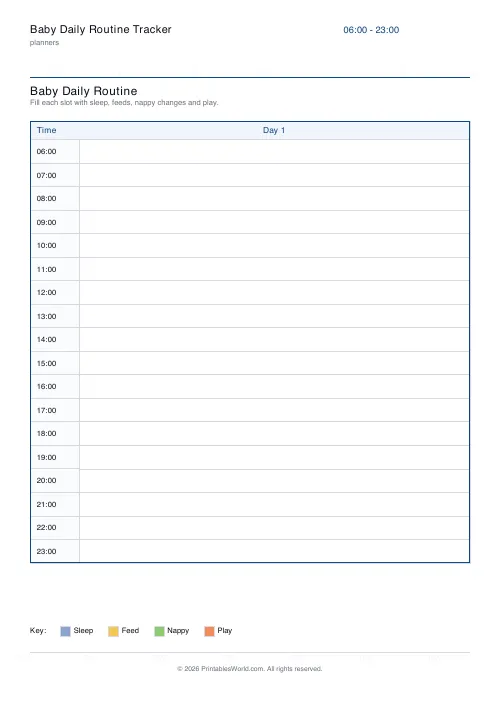
An hour-by-hour grid: rows are the hours between the start and end you choose, columns are days. Mark each cell for whatever happened in it, whether that was a nap, a feed, a change or playtime.
People also used
Feedback
Spotted something off with this tool?
Hours down, days across
Choose the hour the day starts and the hour it ends, and how many days to print. Each cell is an hour, marked for whatever happened in it — sleep, a feed, a change, play.
Six in the morning to eleven at night, over seven days, is the default.
This is a different sheet from a feeding log
A feeding and nappy log records events in a list: what happened, when, how much. It answers questions about quantity.
This one is a picture of the shape of a day. Marking hours rather than moments turns a list into a block diagram, and blocks are what let you see that the long nap has moved later, or that the unsettled stretch is always the same two hours.
Use the log for the first few weeks and this once you are looking for a pattern.
Colour-code it
The sheet does not tell you how to mark a cell, which is deliberate — every family invents a system and theirs is better than one imposed.
What works is one colour or one letter per activity, used consistently. S for sleep, F for feed, N for nappy, P for play. Shade a sleep block rather than writing in it and the naps become visible as bars, which is the whole point of the grid.
Write the key in the margin. You will not remember in three weeks what the blue one meant.
Read it across, not down
A single day tells you almost nothing. Seven days side by side tell you where the routine actually is, and it is usually not where you thought.
What you are looking for is the block that repeats. If the morning nap is at the same time on five days out of seven, that is the routine, and it is something you can plan around. If nothing repeats, that is worth knowing too — there is no point building a day around a nap that is not there yet.
The routine you have, not the one in the book
This is the reason to fill it in before changing anything.
Published schedules describe an average baby, and the gap between one of those and the child in front of you is where most of the anxiety in early parenting comes from. A completed sheet shows you what your baby's day already is, which is a much better starting point for adjusting it than an idealised timetable.
Small shifts to what is already happening work. Imposing a schedule from outside mostly does not.
What you set
A title, the start and end hour, and how many days. A4 or US Letter, printed at 100%.
A shorter hour range gives taller rows and more room to write, so if you only care about the daytime, set it to the daytime.
FAQs
Quick answers
What hour range should I pick?
Most families use 06:00–23:00 to cover the waking day. Set hourEnd to 23 and hourStart to 0 if you also want to track overnight feeds.
How many days fit on a page?
1 to 7. Pick 1–2 days for a really detailed view, or 7 to see a whole week at once on one page.
Do I have to follow the colour key?
No. The legend is just a suggestion. You can use letters (S / F / N / P) or colour the cells with highlighters, whatever works for you.
Can I use it from newborn?
Yes. It works from newborn onward. In the early weeks you will fill in most hours, later the gaps grow as your baby settles into longer naps and play blocks.
Related tools
Feeding & Nappy Log
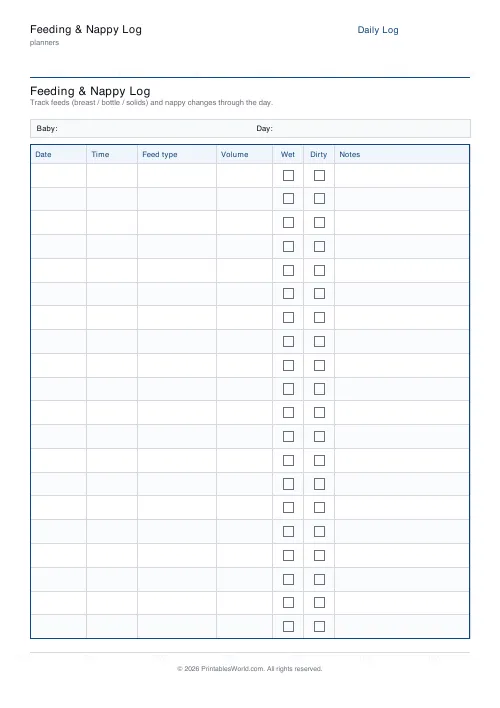
Printable feeding & nappy log with time, feed type, volume and wet/dirty tick boxes.

Daily Planner
One-page daily planner with priorities, hourly schedule, and a notes strip.

30-Day Habit Tracker
A printable 30-day habit grid to tick off every morning. One row per habit.
No-Spend / Savings Challenge
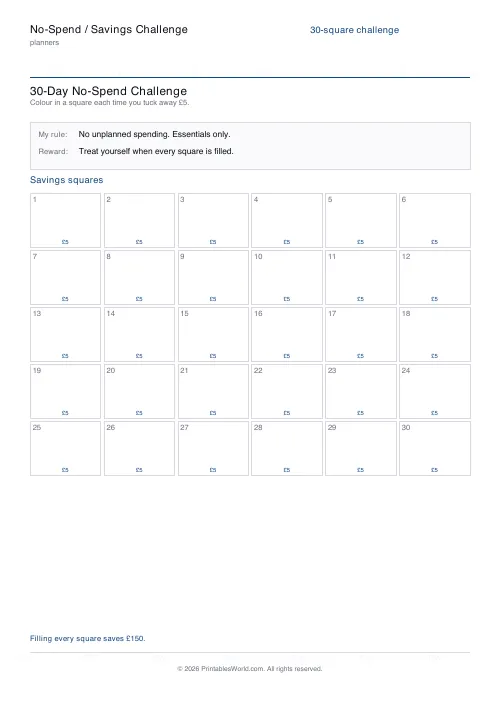
A printable grid of colour-in squares for a no-spend streak or a save-as-you-go challenge.
Pregnancy Week Tracker
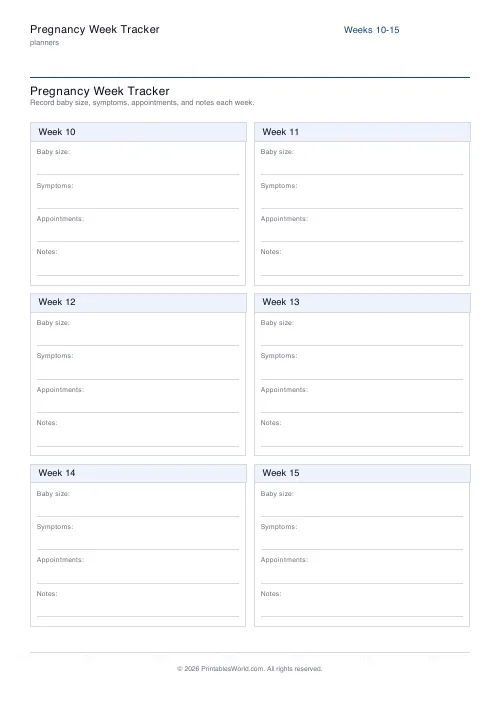
40-week pregnancy tracker with space for baby size, symptoms, and appointments.
Further reading
Planners
Baby's first year: tracking sleep, feeds and milestones
Tracking helps most in the early weeks and can become a burden after them. Here is what is genuinely worth logging, why, and when to stop.
5 min read
Planners
How to build a daily routine that actually sticks
Most routines fail in week two, when motivation runs out and nothing has replaced it. The fix is structural: fewer items, fixed anchors, and a plan for the day you miss.
6 min read
Planners
How to pay off debt faster with a payoff tracker
One method costs less; the other is easier to stick to. Here is how to choose between them honestly, and why a visual tracker changes the odds either way.
5 min read











