What this tool does
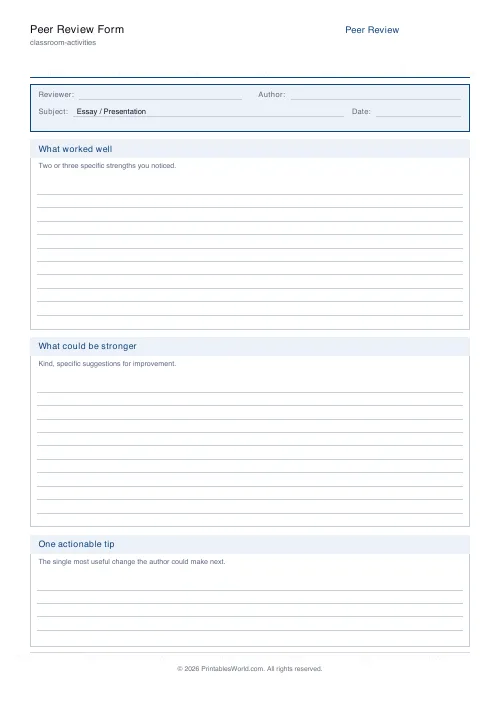
A peer feedback sheet with three parts: what worked, what could be stronger, and one specific action the writer can take next. Set the title and the kind of work being reviewed.
People also used
Feedback
Spotted something off with this tool?
A peer review form with three boxes and a reason for each
Reviewers write what worked well, what could be stronger, and then one specific thing the author should do next. That third box is the one that makes the sheet worth printing.
Set the title and the subject line — essay, presentation, project, performance — and the rest is blank space for a classmate to write in.
Why peer feedback usually fails
Two ways, both predictable.
It goes vague and kind: "I liked it, it was really good." Nothing to act on, and the author learns only that their classmate is nice.
Or it goes blunt and useless: "boring", "too short". Now the author knows they failed and still has no idea what to change, and the next lesson is spent on hurt feelings rather than on the work.
Both failures come from the same place, which is that "give feedback" is far too large an instruction for a fourteen-year-old. Three specific prompts are a much smaller ask.
The third box does the work
"What could be stronger" invites a criticism. "One specific thing to do next" demands a solution, and those are different mental operations.
A reviewer who has to name an action cannot get away with "the middle bit dragged". They have to arrive at "cut the second paragraph" or "add a sentence explaining why he left". That is more useful to the author, and it is a good deal more useful to the reviewer, who has just had to think about how the piece could be rebuilt rather than only how it landed.
Teaching the format first
Model it on a piece of work that is not anybody's in the room. Something you have written badly on purpose is ideal, because the class can be honest about it without a person attached.
Fill one form in together on the board. Ten minutes doing that will get you better forms for the rest of the year than any amount of telling a class to be constructive.
Controls and printing
A title and a subject line. Paper size A4 or US Letter.
The subject line is worth changing to match the actual task — "Persuasive letter" rather than "Essay / Presentation" — because a reviewer reads it as a reminder of what they should be looking at.
Reading the forms afterwards
Collect them. A stack of peer review forms tells you what the class thinks good work looks like, which is often not what you told them, and that gap is the most useful thing on the pile.
Print at 100% on A4 or US Letter.
FAQs
Quick answers
Why limit feedback to one actionable tip?
Giving one clear next step is more useful than a long list. Students are more likely to act on a single, specific change.
Can I use it for any subject?
Yes. Set the subject field and the same structure works for English essays, science posters, maths explanations, or art critiques.
How does this support good feedback habits?
The "what worked" section first, then improvements, keeps feedback balanced and encouraging. Sentence-starter prompts inside the form help students stay specific.
Is it okay to share reviews anonymously?
The reviewer name field is optional. Cross it out or leave blank for anonymous peer review.
Related tools
Self-Assessment Rubric
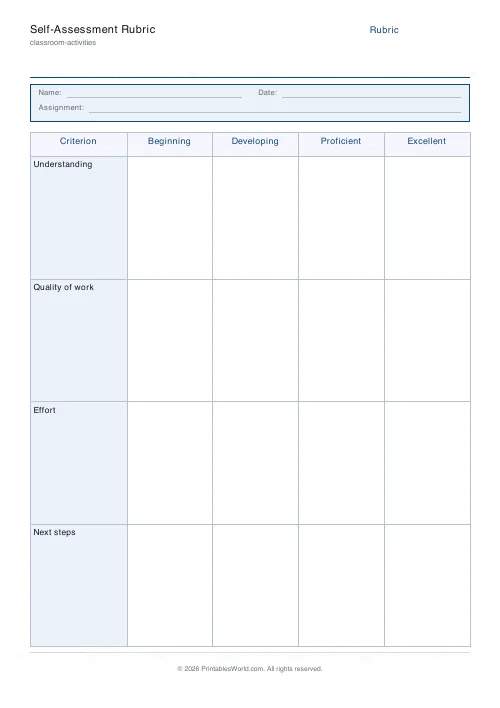
Four criteria, four levels. A printable rubric students fill in themselves.
Exit Ticket Generator
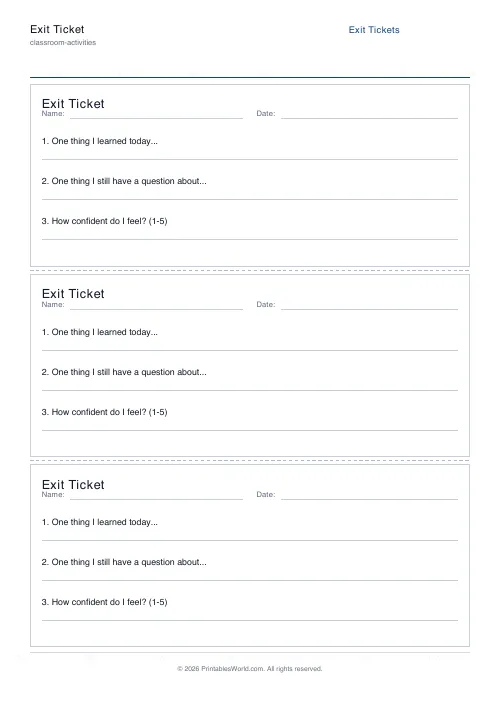
Three exit tickets per A4 page for quick end-of-lesson reflection.
Debate / Argument Organiser
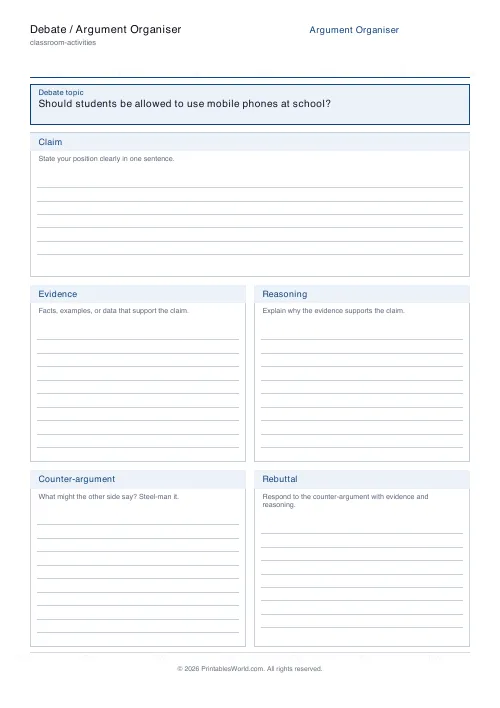
Claim, Evidence, Reasoning, Counter-argument, Rebuttal. On one printable page.
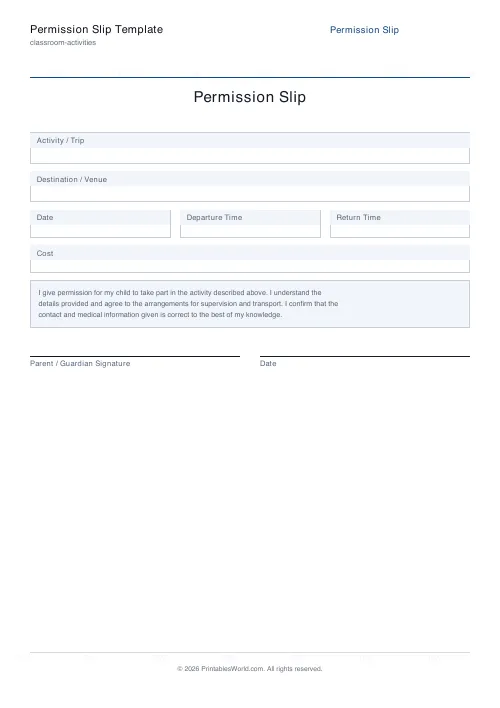
Permission Slip Template
A printable parental consent form for trips and activities.
Further reading
Classroom Activities
Bingo in the classroom: 10 subjects, one game
Bingo works in almost every subject because the mechanic never changes. Only the call does. Ten variations, and the one rule that turns it from a filler into retrieval practice.
4 min read
Classroom Activities
Back-to-school printables every teacher needs
Sorted by when you will actually need them: the two things to print before the children arrive, the week-one set, and the routines worth establishing while everyone is still compliant.
5 min read
Teaching & Classroom
How to make a custom spelling word search
Turn any spelling list into a printable class set in minutes. A practical guide to making a custom spelling word search, with a worked example and difficulty tips.
7 min read













