What this tool does
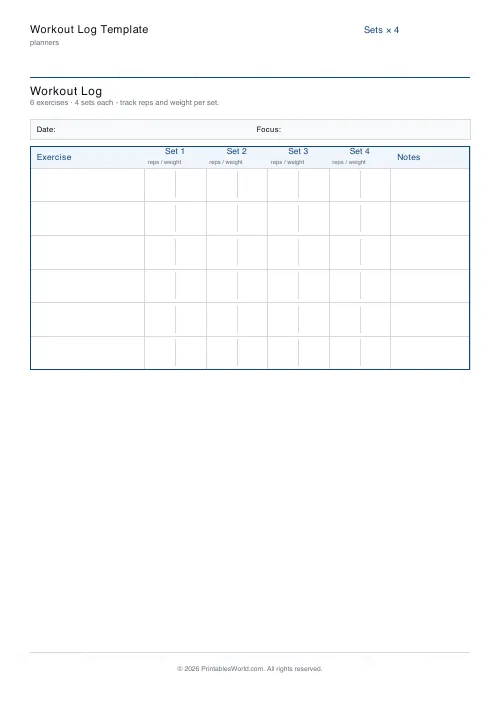
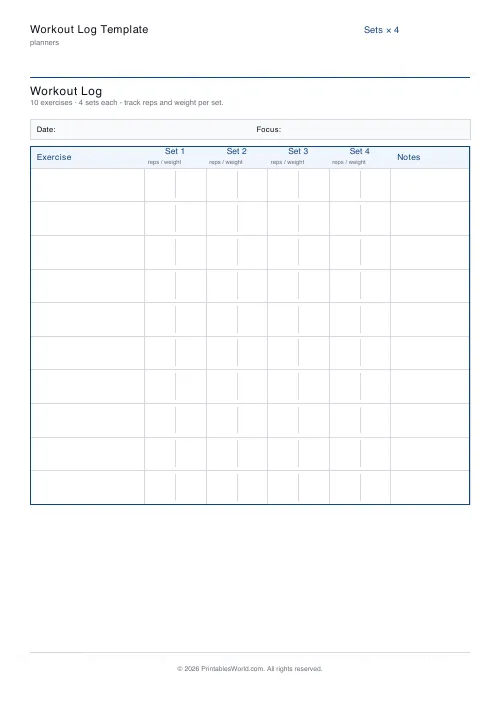
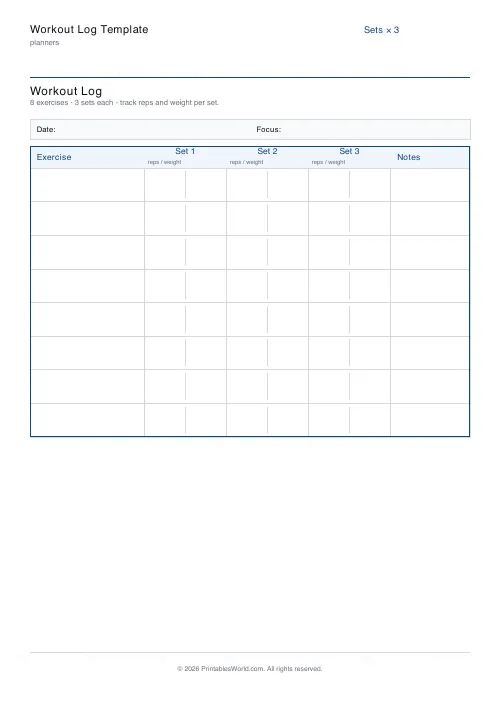
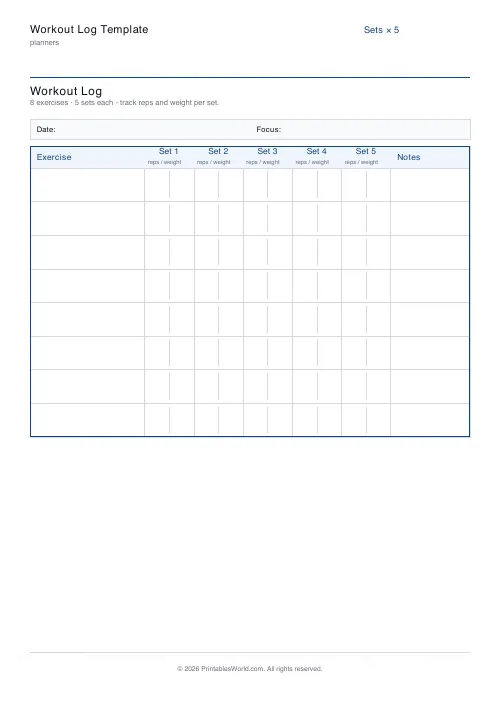
A strength session on one page: a row per exercise, a column per working set, with room to write reps and weight in each. Six to twelve exercises, three to five sets.
People also used
Weekly Fitness Tracker
Printable weekly fitness tracker with activity, duration, calories, intensity and notes.
Running Log Template
Printable running log with date, route, distance, time, pace, HR avg and notes.
30-Day Habit Tracker
A printable 30-day habit grid to tick off every morning. One row per habit.
Feedback
Spotted something off with this tool?
Rows are exercises, columns are sets
Six to twelve exercise rows, three to five set columns, and space in each cell for the reps and the weight.
Nothing else. No calorie estimate, no rating of perceived exertion, no space for how you felt about it.
Write it between sets, not afterwards
A log filled in from memory in the car is a log of what you think you lifted.
The number you actually want — the weight and reps of your last working set — is exactly the one that gets rounded up in recollection, and the rounding is always in the same direction. Write it while you are standing there with the bar.
It also gives you something to do in the rest period, which is otherwise the part of a session people cut short.
The point is the sheet from last time
A workout log is not a diary. It is an instruction for the next session.
Progressive overload — adding a little weight or a rep over time — is the mechanism behind essentially every strength programme, and it requires knowing precisely what you did before. Not roughly. The difference between 60kg for 8 and 62.5kg for 8 is the entire training effect, and neither number survives a week in your head.
Take last week's sheet with you. A log you write and never read back is a diary after all.
Record what actually happened
Including the set that went badly. A session where the last set dropped from 8 reps to 5 is more informative than one where you wrote 8 because that was the plan.
Failed reps, a shortened session, a movement that hurt — all of those matter more in six weeks than the sets that went to plan, because they are where an injury or a plateau announces itself first.
Six to twelve exercises
Twelve is a lot for one session, and a sheet that takes twelve does not oblige you to fill it.
Most strength programmes run four to six movements a session, done properly. If you regularly need twelve rows, that is usually a sign the session is a collection rather than a plan.
Why paper in a gym
It works with chalky hands, it does not lock, it does not need a signal in a basement, and nobody has ever lost a training block to a paper sheet failing to sync.
The apps are better at charting and worse at being pulled out of a pocket between sets. Plenty of people run both, with the sheet as the primary record.
Settings: a title, exercises (6–12) and sets (3–5). A4 or US Letter at 100%.
FAQs
Quick answers
How many exercises fit on a page?
Between 6 and 12. The row height adapts so the whole log always fits on one page.
How do I record reps and weight per set?
Each set cell has a soft divider down the middle: write reps on the left and weight on the right (e.g. "8 / 60 kg").
Can I use it for push/pull/legs splits?
Yes. The exercise column is free-text, so use a separate sheet per session type and label the "Focus" strip at the top.
Does it track rest times?
Not explicitly. Write rest in the Notes column at the end of each row if you need it.
Related tools
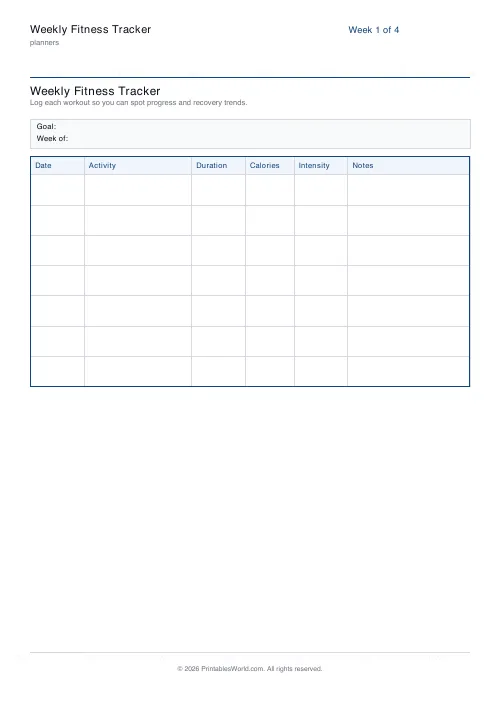
Weekly Fitness Tracker
Printable weekly fitness tracker with activity, duration, calories, intensity and notes.
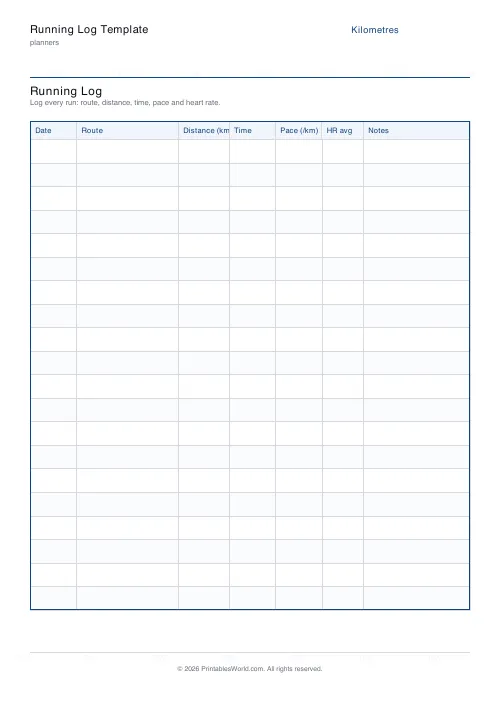
Running Log Template
Printable running log with date, route, distance, time, pace, HR avg and notes.

30-Day Habit Tracker
A printable 30-day habit grid to tick off every morning. One row per habit.












