What this tool does
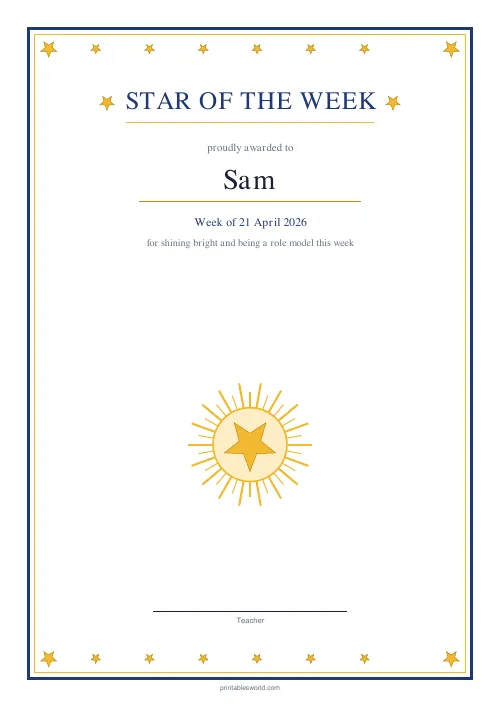
A Star of the Week certificate with a gold star frame, the pupil's name in large type, a line for the week, and a signature line. One per page.
People also used
Feedback
Spotted something off with this tool?
A certificate that gets kept
A five-point gold star wraps the wording, the recipient's name prints large in the middle, and there is a line for the week and one for a signature. Type three fields and print.
The week field is free text, so it takes a date, a week number, or a topic name — whatever your school actually calls it.
Why the wording is deliberately vague
The certificate says Star of the Week and nothing about why.
That is the point. A weekly award that is always for the best work goes to the same four children all year, and everybody in the room works that out by October. Leaving the reason open lets it go to the child who helped somebody, the one who finally asked a question, or the one who had a difficult week and kept going — and those are the weeks where a certificate does the most.
Say the reason out loud when you present it. The paper does not need to carry it.
Keep a private list
The single most useful piece of administration attached to this printable: a list, kept by you, of who has had one.
Over a year every child should. It takes ten seconds a week to check and it prevents the thing that quietly undermines the whole ritual, which is a child realising in June that they were never chosen.
Presenting it
In front of other people, if you can. The certificate is a physical object and its value is mostly social — assembly, or at least the class, rather than handed over at the door.
Photograph the child holding it before it goes home. Half of them arrive as a crumpled shape at the bottom of a bag, and the photograph is what ends up on the display board and in the newsletter.
Printing
Standard paper is fine for a pin board. For something that survives the schoolbag and reaches the fridge, 160gsm card makes a real difference and costs very little.
Print at 100% so the star border stays centred — a scaled print shifts it off-centre in a way that is obvious once you have seen it.
Sign it by hand even if you have typed the signature name. It takes two seconds and it is the difference between a printed thing and a given thing.
Controls and printing
Recipient name, the week, and the signature name. Leave the signature name blank if you would rather write it. A4 or US Letter.
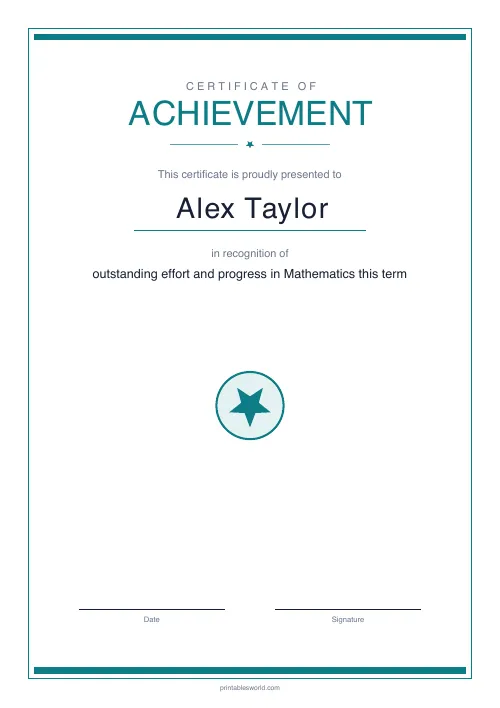
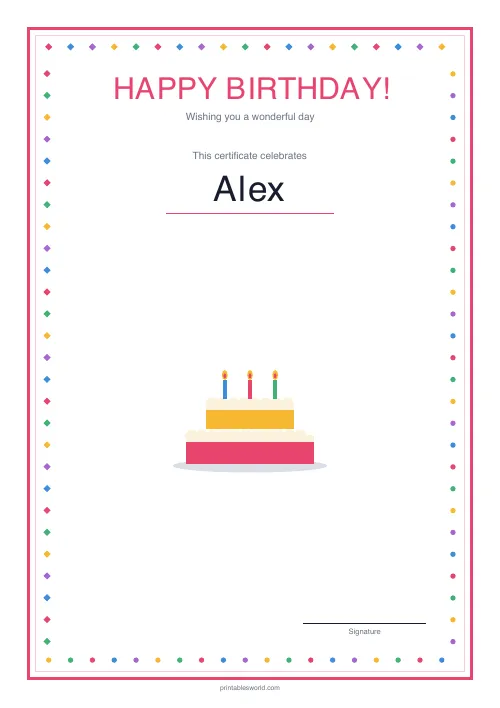
For other occasions there is an achievement certificate and a birthday certificate in the same family.
FAQs
Quick answers
Can I award one every week?
Yes. Change the name and week each time. The layout stays identical so a running display of Stars of the Week looks consistent.
What age group is it for?
It works well from reception through primary. Secondary teachers can use it too. The tone reads as warm rather than childish.
Does it show the teacher's name?
Yes. The signature-name field prints above the signature line; leave it blank if you would rather sign by hand.
What paper should I use?
Standard 80 gsm prints fine, but 120–160 gsm card holds up better on the classroom wall.
Related tools
Further reading
Classroom Activities
Positive reinforcement in the classroom: charts that work
Reward charts work when they name a specific behaviour and fade over time. They backfire when they rank children publicly. Here is the difference in practice.
5 min read
Classroom Activities
Back-to-school printables every teacher needs
Sorted by when you will actually need them: the two things to print before the children arrive, the week-one set, and the routines worth establishing while everyone is still compliant.
5 min read













