What this tool does
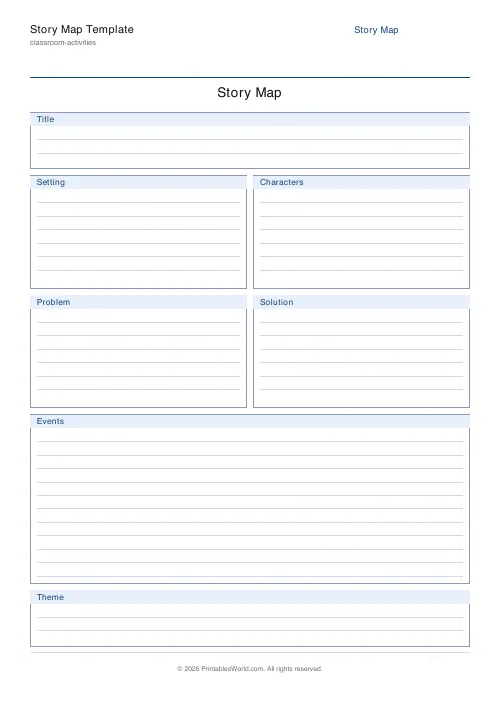
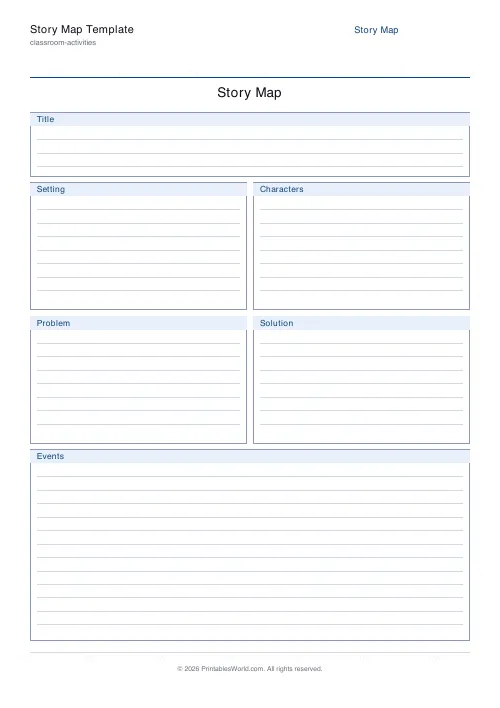
A one-page story map with labelled boxes for the title, setting, characters, problem, solution and events, each ruled for writing. A Theme row can be switched on for older readers.
People also used
Character Profile
Character analysis worksheet: Name, Appearance, Traits, Motivation and a Quote.
Timeline Template
Horizontal or vertical timeline with evenly-spaced event markers and write-on lines.
KWL Chart Template
Three-column "Know, Want to Know, Learned" graphic organiser, fillable and printable.
Feedback
Spotted something off with this tool?
The parts of a story, one box each
Title, setting, characters, problem, solution, and a larger area for the events between. Every box has ruled lines inside it. A Theme row can be added for readers ready to think about what a story is about rather than what happens in it.
Problem and solution are the two that matter
Setting and characters can be filled in by anybody who read the first chapter. Problem and solution require having understood the shape of the whole thing.
They are also the boxes children get wrong in a revealing way. A child who writes "the problem is that they went to the woods" has described an event rather than a problem; a child who writes "the problem is that she was lonely" has identified what the story is actually driven by. The difference between those two answers is the difference between following a plot and understanding a story, and no other box on the sheet exposes it.
Ask what the character wanted and what stopped them. Nearly every story answers both, and a problem stated that way is almost always the right one.
The events box is not a retelling
The commonest failure is filling it with the plot from page one until the space runs out.
Three to five events, chosen because they changed something. The rule that works: an event belongs on the map if the story would be different without it. That turns the box from transcription into selection, which is the skill you wanted.
The Theme row
Off by default, and rightly so — theme is genuinely hard and asking a seven-year-old for it produces "it was about a dog".
Turn it on from about age nine, and give a prompt rather than the bare word. "What does this story say about friendship?" gets an answer; "Theme" gets a shrug. The distinction to teach is that the subject is what the story contains and the theme is what it claims — a story can be about a war and have a theme of forgiveness.
Where it fits
After reading, as comprehension. Before writing, as planning — the same six boxes work just as well filled in for a story that does not exist yet, and a child who has decided on their problem and solution before starting is far less likely to abandon the piece halfway.
It also works read aloud with a class on a shared text, filled in together on the board once so everyone has seen what a good problem box looks like.
What you can change
A title and the Theme row on or off. Paper size A4 or US Letter.
Leave the title blank and print a stack; the sheet is the same whatever the book.
For a deeper look at one character rather than the whole story, the character profile takes the traits, motivation and a supporting quotation.
FAQs
Quick answers
What story elements are included?
Title, Setting, Characters, Problem, Solution and Events. You can optionally add a Theme box for older students working on literary analysis.
What grade level is this aimed at?
It works well for roughly ages 7 to 14. Younger students use the core boxes; older students also tackle the optional Theme box.
Can I use it for any book?
Yes. The sheet is book-agnostic. Pair it with any story, chapter, or picture book.
Are there writing lines inside the boxes?
Yes, each box has faint rules inside so handwriting stays tidy.
Related tools
Character Profile
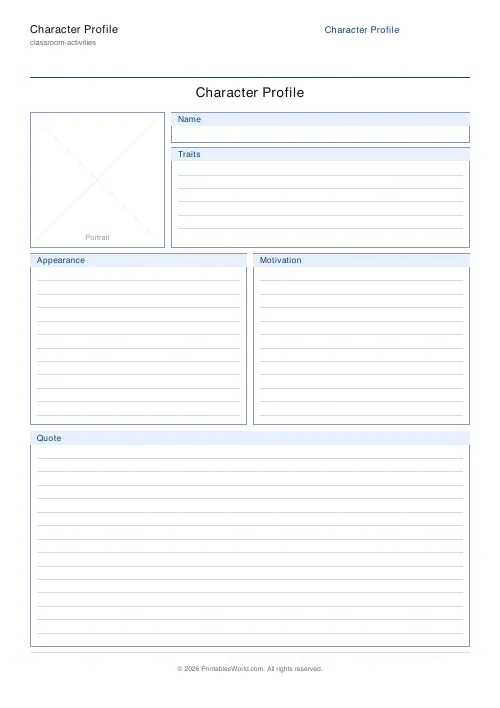
Character analysis worksheet: Name, Appearance, Traits, Motivation and a Quote.
Timeline Template
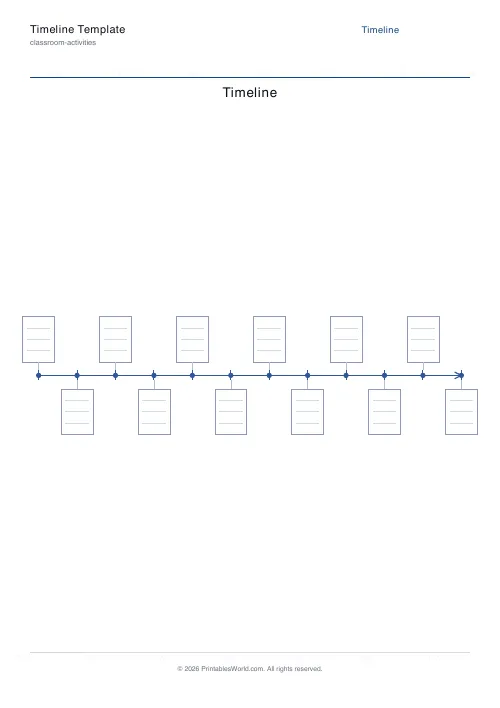
Horizontal or vertical timeline with evenly-spaced event markers and write-on lines.
KWL Chart Template
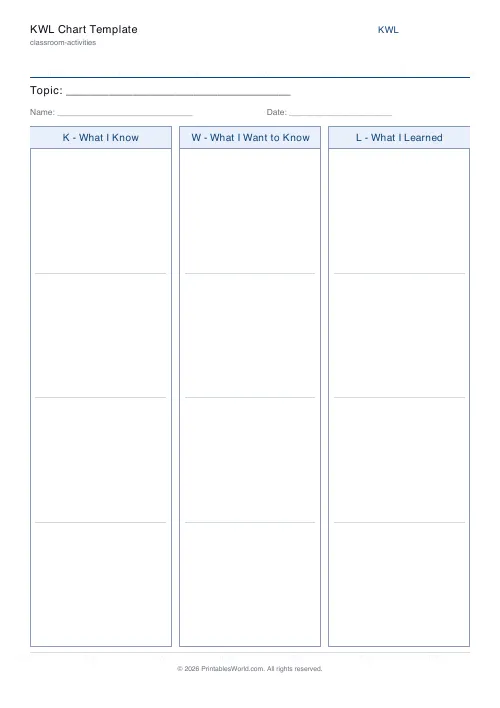
Three-column "Know, Want to Know, Learned" graphic organiser, fillable and printable.
Further reading
Classroom Activities
Escape room activities for the classroom: a how-to
A classroom escape room is a sequence of puzzles with a story on top. The design decision that matters most is whether groups work through them in order or all at once.
5 min read
Classroom Activities
Bingo in the classroom: 10 subjects, one game
Bingo works in almost every subject because the mechanic never changes. Only the call does. Ten variations, and the one rule that turns it from a filler into retrieval practice.
4 min read
Classroom Activities
Back-to-school printables every teacher needs
Sorted by when you will actually need them: the two things to print before the children arrive, the week-one set, and the routines worth establishing while everyone is still compliant.
5 min read













