What this tool does
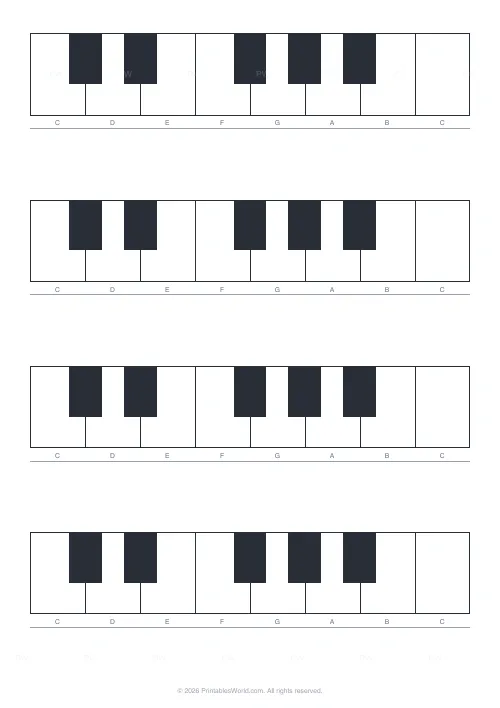
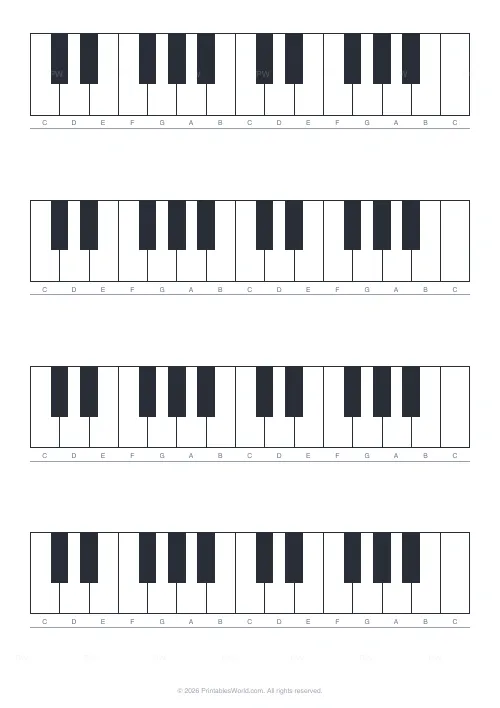
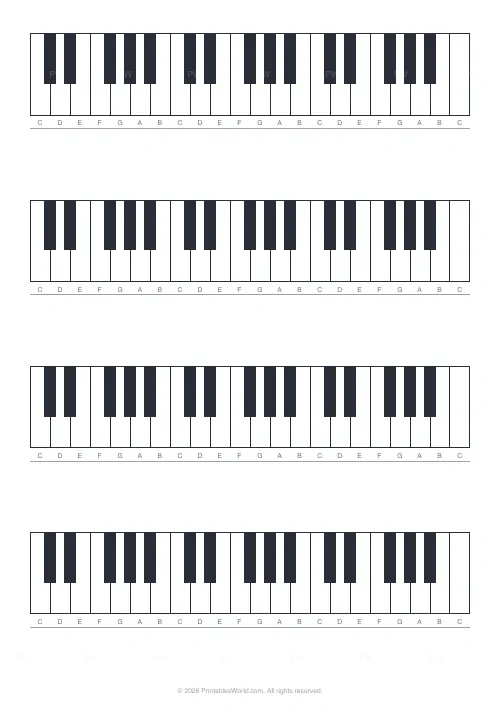
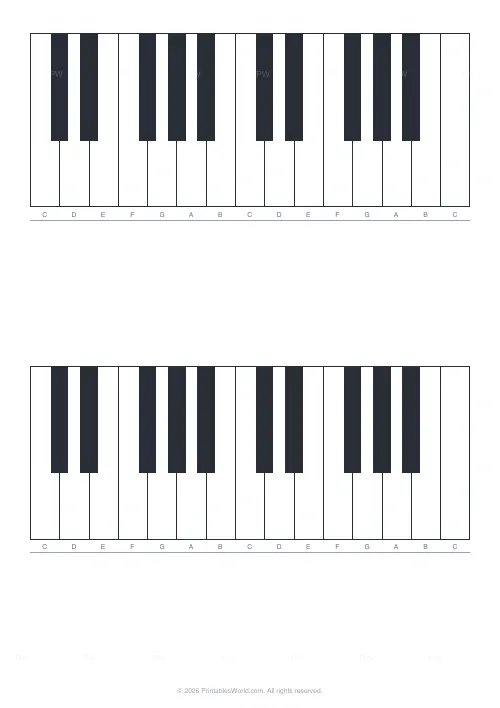
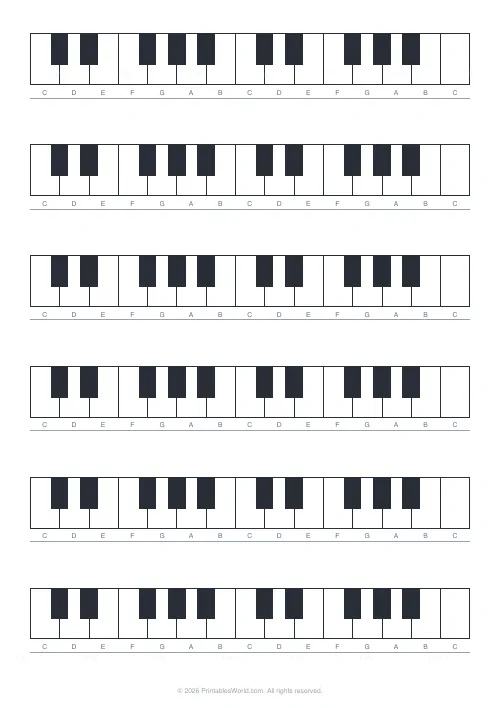
Blank piano keyboard diagrams, one to three octaves each, one to six to a page. For labelling notes, marking scales or sketching chord shapes.
People also used
Feedback
Spotted something off with this tool?
Empty keyboards to write on
Each diagram draws the white and black keys of one to three octaves, with a trailing C so every diagram ends where it started. One to six diagrams a page.
Nothing is labelled. That is the point — the labelling is the exercise.
The black keys are the map
The first thing worth teaching from a blank diagram, and the thing that makes a keyboard readable rather than memorised.
Black keys come in groups of two and three, alternating. C is always the white key immediately left of a group of two. F is always the white key immediately left of a group of three. Everything else follows from those two anchors, and a player who knows them can find any note on any keyboard without counting from the end.
Have a student mark every C on a blank diagram before anything else. It takes thirty seconds and it is the single most useful minute in early keyboard teaching.
Why blank rather than pre-labelled
A labelled diagram is a reference, and a reference is read rather than learned.
Writing the note names in yourself requires working them out, and working them out is what puts them in memory. The same applies to scales: a printed C major scale tells you which keys; drawing it yourself requires knowing the pattern of tones and semitones, which is the actual content.
What to use the diagrams for
Note names, first. Then scales — shade the keys of C major, then G major, and the single black key that appears is the whole idea of a key signature arriving visually.
Chords: mark the three keys of a triad, then move the shape up and see which fingers land on black keys. Intervals, counted in semitones along the keys. And fingering, written above the keys for a passage somebody keeps stumbling on.
How many octaves
One octave is enough for note names and simple triads, and it prints large enough to write inside the keys.
Two is the default and suits most theory work. Three fits a hand-position exercise that moves, and the keys get narrow — at three octaves across an A4 page a white key is about 6mm wide, which is tight for a pencilled note name.
Six to a page
Worth using for a worksheet where each diagram asks a different question: mark C major here, mark the F chord there, label every A on the third one.
One or two to a page suits a wall display or a diagram to work on in detail.
Settings: octaves per diagram and diagrams per page. A4 or US Letter, printed at 100%.
FAQs
Quick answers
How many octaves per diagram?
Pick 1, 2, or 3 octaves. Each diagram includes the trailing C key for clarity.
How many diagrams per page?
2 to 5 stacked diagrams. Choose more for compact reference, fewer for room to write.
Are the white keys labelled?
A note slot below each white key gives space to write or print the note name (CDEFGAB).
Will it print on A4?
Yes. A4, US Letter, and US Legal are supported.
Related tools
Further reading
Printable Paper
The best note-taking paper for students (Cornell, grid, lined)
The paper you take notes on quietly decides how you review them. Here is what each format is actually for, and which subjects each suits.
4 min read
Printable Paper
Bullet journalling with dot grid paper: a starter guide
The bullet journal was designed to be fast, not beautiful. Here is the original system, why dot grid suits it better than lines or blank, and the four pages you actually need.
5 min read