What this tool does
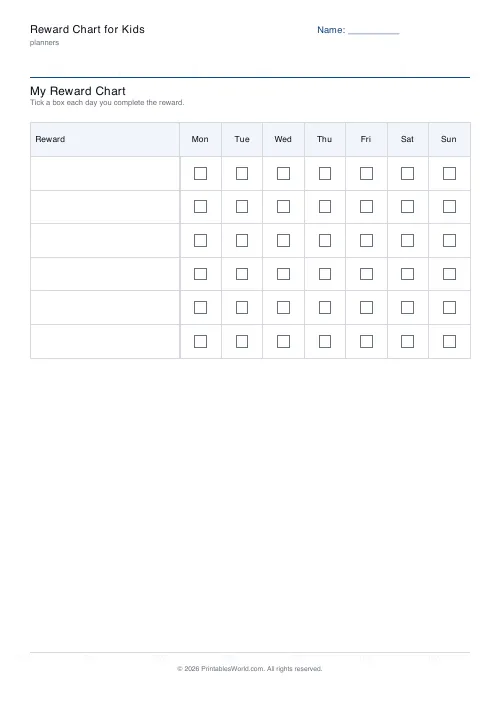
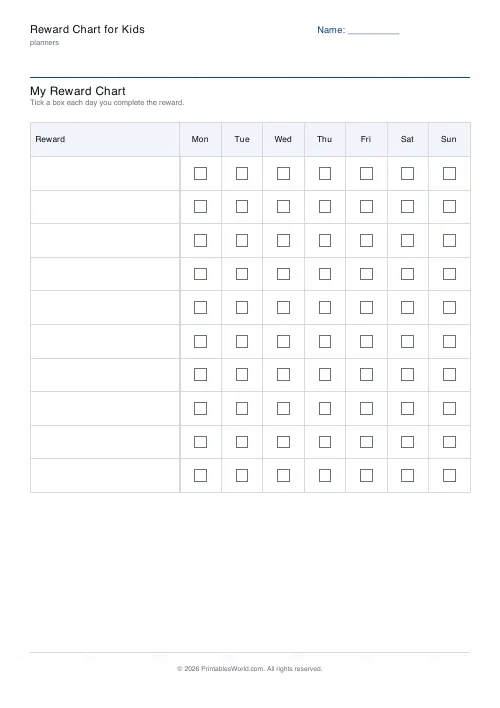
A rewards-by-days grid: five to ten rewards you name yourself, with a tick box for each day of the week and the child's name at the top.
People also used
Feedback
Spotted something off with this tool?
Rewards down the side, seven days across
Name five to ten things and add the child's name. You get a grid with a tick box for every day of the week. Leave the list empty and the rows print blank, ready to fill in by hand.
Say what earns a tick before the week starts
The chart records; it does not decide. If the criteria are settled on the day, they will be settled in whatever mood everybody is in, and the child will notice.
Write the rows so both of you can tell, at the moment it happens, whether it counts. "Helped" cannot be judged. "Cleared the table without being asked" can, and the specificity is not pedantry — it is the only thing standing between you and a nightly negotiation about what today's row really meant.
Reward effort where you can, not outcome
An outcome a child cannot control turns the chart into luck. "Got ten out of ten" depends on the test. "Did my spellings every night" depends on them, which is the whole difference.
The same applies to anything involving another person, a sibling, or a mood. Rows a child can deliver on a bad day are the ones that keep a chart alive.
Fewer rows than the grid allows
Ten rows across seven days is seventy judgements a week. The practical failure here is never defiance. It is the adult forgetting.
Five rows, ticked reliably, beats ten ticked when somebody remembers. A chart that is two days out of date has stopped meaning anything to the child, and they will tell you so.
What rewards actually do, honestly
They are good at getting a behaviour started and much weaker at keeping one going. There is a real body of research showing external rewards reducing internal motivation for things somebody would have done willingly anyway, and it is worth knowing about that before a chart becomes a permanent fixture on the kitchen wall.
Which points to a particular use: run a chart for a few weeks on one thing, until the behaviour is a habit, then take it down and say why. "You don't need this any more" is the right ending, and it is a better message than a chart that runs indefinitely.
Never remove a tick
Whatever happened later. Take a tick back and the chart stops being something to earn and becomes something to lose, and children respond to those two very differently indeed — first anxiously, and then by refusing to engage with it at all.
Settings: a title, the child's name, reward count (5 to 10) and your list. A4 or US Letter at 100%. Put it at their eye height rather than an adult's.
FAQs
Quick answers
How many rewards can I add?
You can track between 5 and 10 rewards per chart. If you need more, print a second chart.
Can I leave the reward labels blank?
Yes. Leave the reward names empty and write them in by hand after printing.
What paper size does it use?
Choose A4 or US Letter before exporting so the chart matches your printer.
Is this suitable for classroom use?
Yes. Teachers can print one chart per child, per group, or use it as a behaviour chart.
Related tools
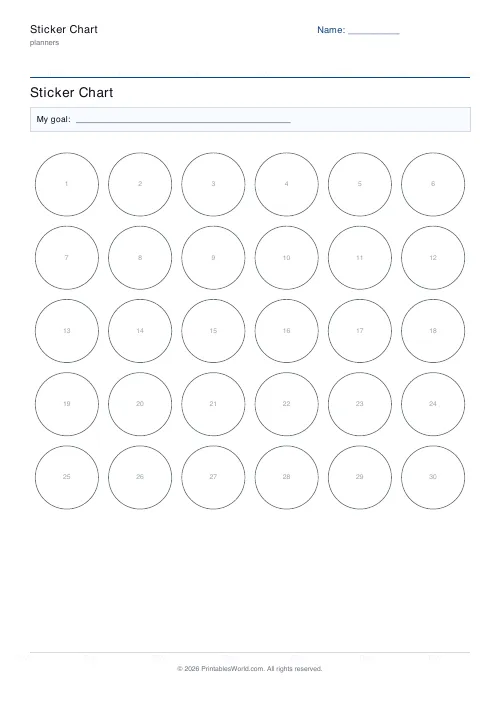
Sticker Chart
Printable sticker chart with a custom goal and 20–40 sticker slots.
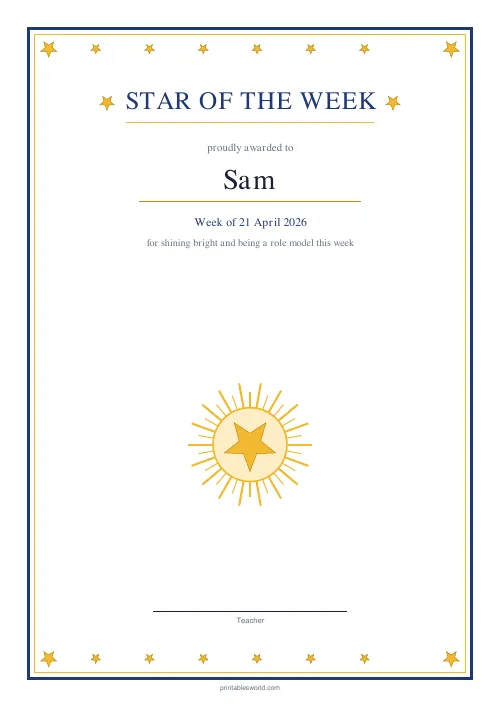
Star of the Week Certificate
A bright "Star of the Week" certificate with a golden star frame.
Certificate of Achievement
Formal classroom certificate with name, reason, date, and signature line.
Self-Care / Wellness Tracker
Printable weekly self-care tracker with daily tick-boxes for the habits that keep you well.
Weekly Timesheet
One-page printable work-hours timesheet: day-by-day rows, break column, weekly total and signature line.
Further reading
Planners
Chore charts that motivate kids (without nagging)
Most chore charts fail for the same three reasons. Here is what to put on one by age, whether to attach money, and how to stop being the person who remembers everything.
5 min read
Planners
Time blocking for beginners: a complete guide
Time blocking is deciding when each task happens, not just what. Here is how to size blocks realistically, what to do when the day breaks, and why most beginners over-schedule.
5 min read
Planners
Meal planning 101: save time and money every week
A weekly meal plan saves money mainly by changing how you shop. Here is a thirty-minute method, the shortcuts that keep it going, and the mistake that ends most plans in week three.
5 min read













