What this tool does
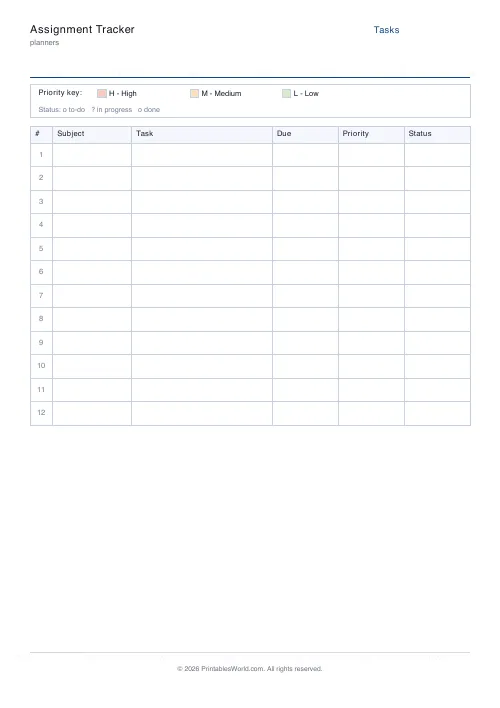
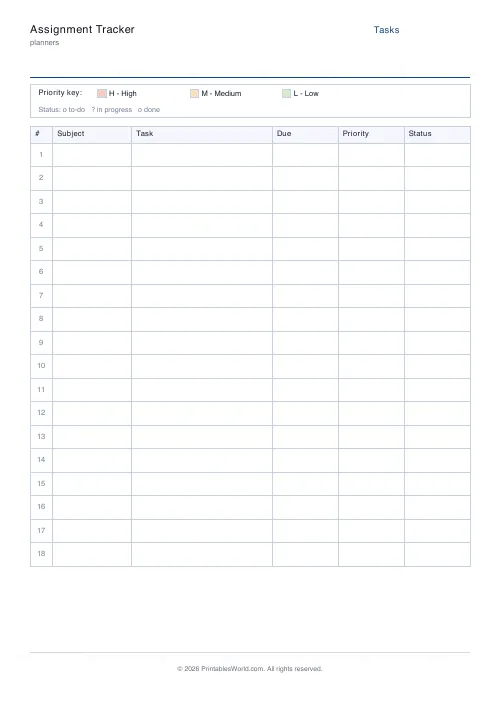
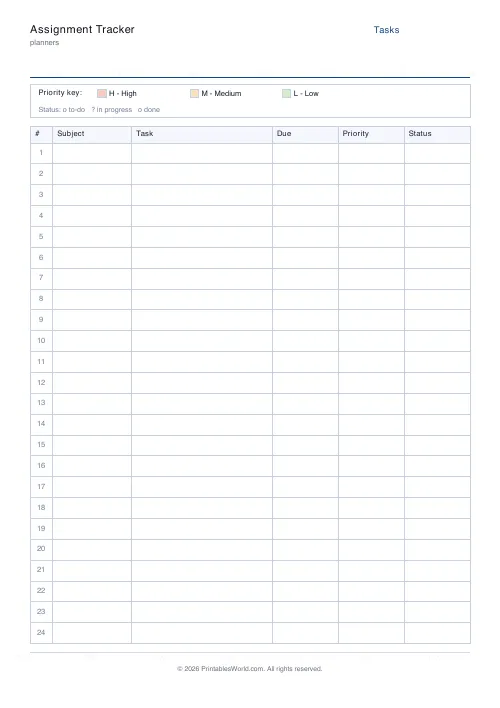
A homework and coursework table: subject, task, due date, then priority and status. A priority key prints at the top. 10 to 40 rows, flowing onto extra pages as needed.
People also used
Feedback
Spotted something off with this tool?
One table, five columns
Number, subject, task, due date, priority, status. Twenty rows by default; anywhere from ten to forty, and the sheet spills onto a second page rather than squeezing when you ask for a lot.
A key strip runs across the top: H, M and L for priority, colour-coded, and a status notation of an empty circle for to-do, a half-filled one for in progress and a filled one for done.
Why the status marks are circles
Because a tick box has two states and work has three.
An empty box tells you nothing about whether an essay is untouched or three-quarters written, and on a Sunday evening that is the difference between panic and a manageable hour. Filling the circle in stages takes no longer than ticking and carries the information that matters.
Priority, honestly assigned
The temptation is to mark everything high. Resist it, because a page of H tells you exactly as much as a page of nothing.
High means it is due soon or it counts for a lot. Low means it genuinely can slide. Most things are medium. If more than a third of your rows are high, either the term is unusually brutal or the marking is not being done seriously, and it is usually the second.
Filling it in
Enter everything the moment it is set, not the night before. That is the whole discipline and it is the part students find hardest.
Once a week — Sunday works — read down the due column, mark the priorities, and pick what you are doing first. The sheet earns its place in the fortnight when three deadlines land in the same week, which is visible here well in advance and invisible in a pile of exercise books.
Who prints it
Secondary and university students, mostly, tracking coursework across several subjects at once. Parents who want to see what is due without conducting an interrogation. Homeschooling families running several children on different work. Tutors keeping track of what was set and whether it came back.
Forty rows covers a term for most people. Print two if it doesn't.
Related
For a project with milestones and owners rather than a list of deadlines, the project planner. For scheduling the actual working hours, the daily planner.
FAQs
Quick answers
How many rows are on a page?
Up to 20 rows fit comfortably on one A4 / Letter page. If you ask for more, the tracker flows onto additional pages.
Is it for school, university, or work?
All three. "Subject" can mean a school subject, a university module, or a work project. The fields are intentionally generic.
What do the status symbols mean?
○ is a fresh task, ◐ means in progress, and ● means done. Fill them in as you work so the page doubles as a progress snapshot.
Should I print one per week?
That is a good rhythm. Archive finished trackers in a folder so you have a record of what you delivered.
Related tools
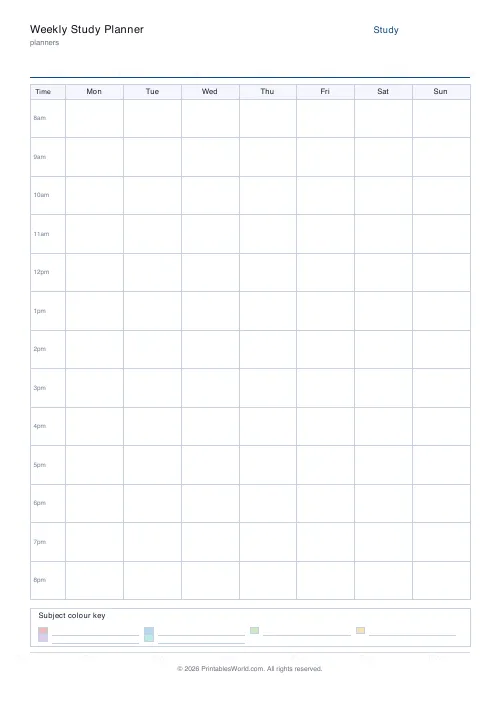
Weekly Study Planner
Weekly 7-day × hourly study timetable with a subject colour-code legend.
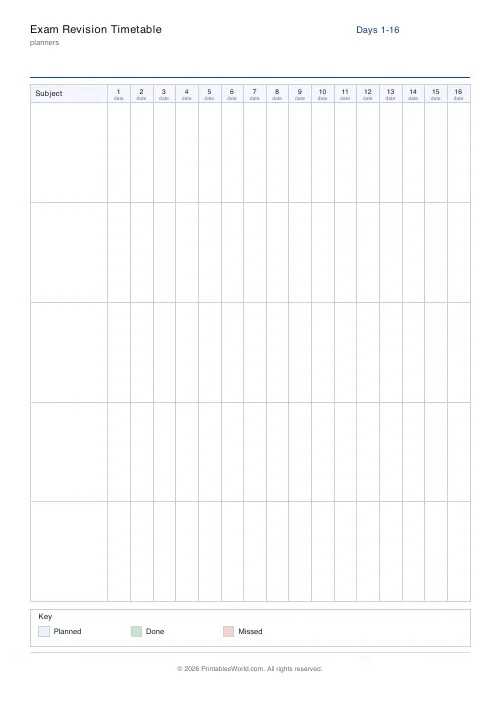
Exam Revision Timetable
Subjects × dates grid with tick-boxes to track revision sessions.
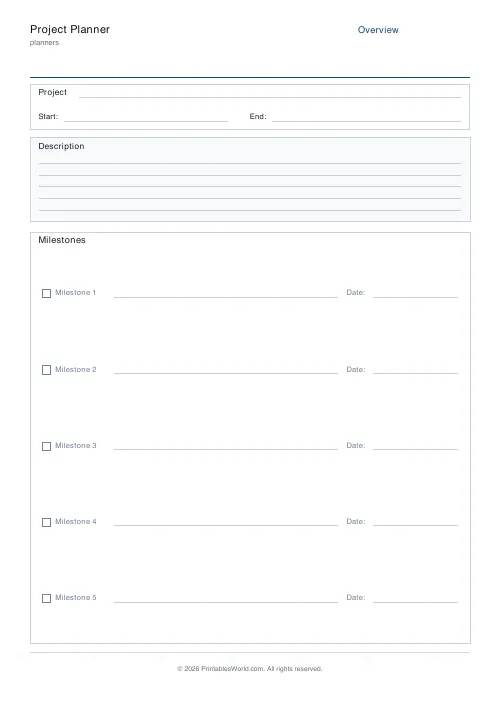
Project Planner
Three-page project planner. Overview, milestones, tasks, and risks.
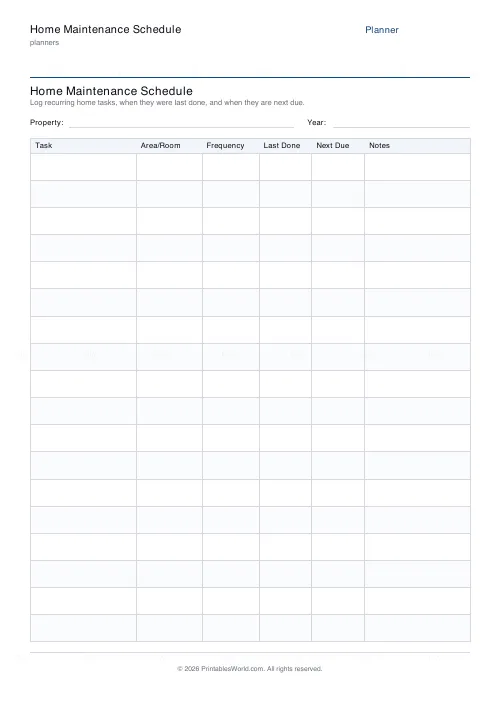
Home Maintenance Schedule
One-page printable home maintenance log: task, area, frequency, last done and next due.
Further reading
Planners
Study planning for exams: a student's complete guide
A revision timetable is only as good as what goes in the slots. Here is how to build one backwards from the exam date, and which study methods the evidence actually supports.
5 min read
Planners
How to pay off debt faster with a payoff tracker
One method costs less; the other is easier to stick to. Here is how to choose between them honestly, and why a visual tracker changes the odds either way.
5 min read
Planners
Time blocking for beginners: a complete guide
Time blocking is deciding when each task happens, not just what. Here is how to size blocks realistically, what to do when the day breaks, and why most beginners over-schedule.
5 min read













