What this tool does
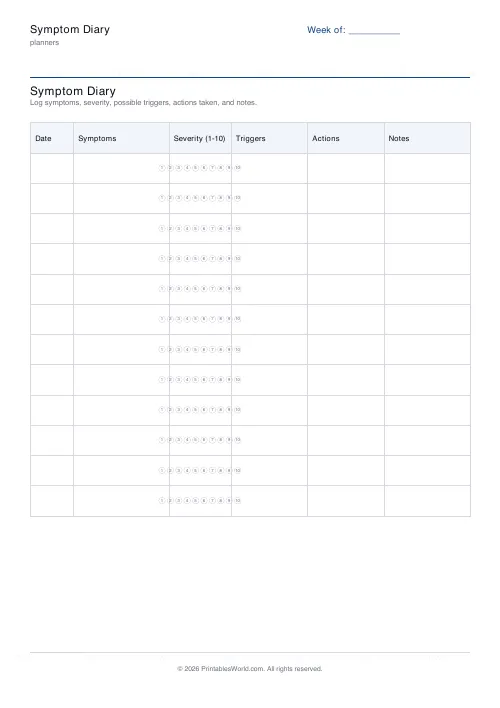
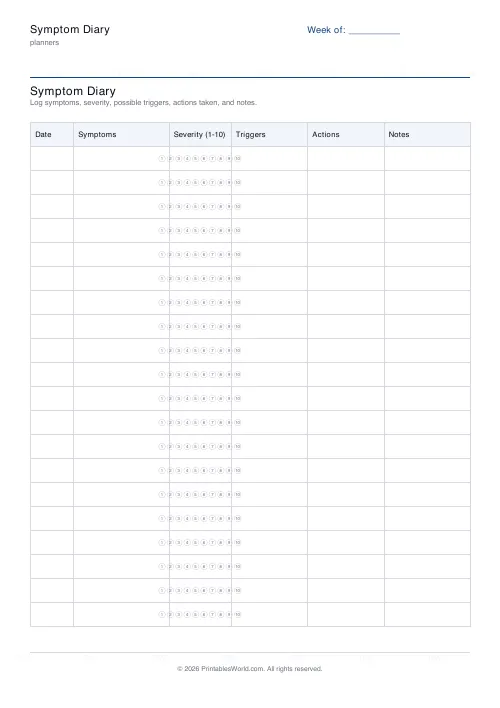
A symptom log with a severity score from 1 to 10, plus columns for possible triggers, what you did about it, and notes. Ten to twenty rows.
People also used
Feedback
Spotted something off with this tool?
Date, symptom, severity, trigger, action, notes
One row per entry, laid out to be scanned rather than read. Ten to twenty rows a sheet.
The severity column takes a number from 1 to 10, which is the scale most clinicians will ask you for anyway.
Score consistently, not accurately
There is no objective 7, and chasing one is a waste of effort.
What matters is that your 7 means the same thing in March as it did in January, because the useful information is the direction of travel rather than the absolute number. Decide roughly what your 3, 5 and 8 are at the start — noticeable but ignorable, hard to work through, could not carry on — and stick to it.
A scale that drifts upward over a bad month tells you nothing about the month.
Write the trigger you suspect, not the one you have proved
The trigger column is for hypotheses, and it should be filled in generously and loosely.
Nothing is being diagnosed on this sheet. It collects candidates. The ones that turn out to matter are frequently not the ones that felt significant at the time, which is precisely why memory makes a poor instrument here and a written row makes a good one.
Record the timing too. "Two hours after eating" is a different clue from "after eating", and the gap is often the diagnostic detail.
Record the good days
The commonest mistake, and it quietly wrecks the data.
A diary of only bad days makes everything look like a trigger, since every single entry contains a food and a stressor. Without the days when those same things happened and nothing followed, there is nothing to compare against at all.
A row saying "no symptoms" takes four seconds and is worth as much as any other.
Take it to the appointment
This is what the sheet is for. Consultations are short, memory under pressure is poor, and "it comes and goes" is close to useless to a clinician.
Three weeks of dated rows with severity scores is a different conversation. Bring the sheets themselves rather than a summary. The pattern you did not notice is often the one they will.
A caution
This is a record sheet, not a diagnostic tool and not medical advice. Keeping a diary can help you notice patterns; it cannot tell you what is causing them, and a correlation across fourteen rows is a hypothesis rather than a finding.
If something is worrying you, or getting worse, see a doctor rather than waiting to gather more data.
Settings: a title and how many rows (10 to 20). A4 or US Letter at 100%.
FAQs
Quick answers
How many rows can I include?
Choose between 10 and 20 rows per page. Print additional sheets for a longer period.
Is this for a specific condition?
No. The diary is generic so it works for headaches, allergies, digestive issues, mental health, and more.
Can I share this with my doctor?
Yes. The one-page PDF prints cleanly and is easy for a clinician to scan at an appointment.
What paper size does it use?
Pick A4 or US Letter before exporting to match your printer.
Related tools