What this tool does
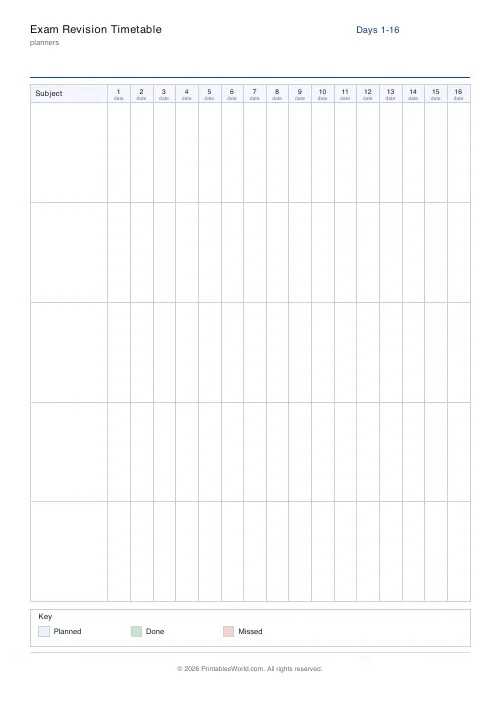
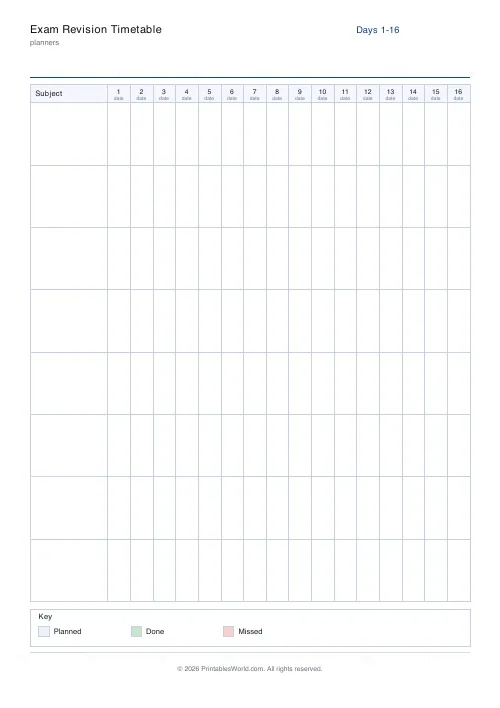
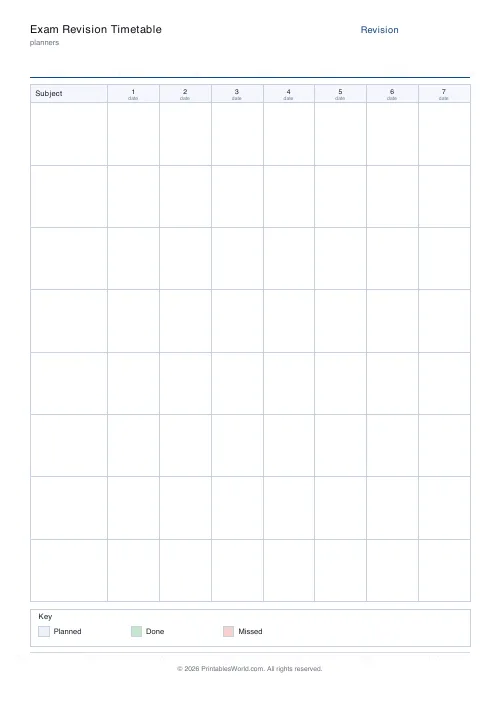
A revision grid: four to twelve subjects down the side, seven to twenty-eight days across, and a cell to tick for every session done.
People also used
Weekly Study Planner
Weekly 7-day × hourly study timetable with a subject colour-code legend.
Exam Countdown Tracker
Print a visual countdown grid, 30 days, 12 weeks, or 365 boxes, and cross off each block as you near exam day.
Assignment Tracker
Printable tracker with rows for subject, task, due date, priority, and status.
Feedback
Spotted something off with this tool?
Subjects down, days across
Choose how many subjects and how many days — up to twelve and twenty-eight — and tick a cell for each revision session you complete.
Three weeks by eight subjects is the default, which is roughly a typical run-up to a set of exams.
The grid shows the thing students cannot see
Which subject is being avoided.
Revision drifts towards whatever feels most comfortable, and almost nobody notices themselves doing it. A nearly empty row after ten days is not a scheduling accident. It is the subject that feels worst, and that is generally the one that needed the hours.
That single observation is most of what this sheet is for, and it is invisible without a grid.
Spread the ticks, do not block them
Filling a whole row in three days is the intuitive approach and one of the better-evidenced mistakes in studying.
Spacing the same hours across more days beats massing them. The effect is large and well replicated. A row of ticks scattered over three weeks outperforms the identical count crammed into one, and this grid makes the difference visible at a glance.
The corollary: a subject already revised should keep getting occasional ticks rather than being marked done.
What counts as a session
Decide before you start, and make it require producing something.
Reading notes is not revision, and it is the activity that feels most like it. Rereading produces a strong sense of familiarity and very little recall. A tick should mean a past paper attempted. A topic written out from memory. Questions answered, or somebody quizzed.
If a session leaves nothing behind that could be marked, it probably should not have earned a tick.
Build it backwards from the exams
Put the exam dates on before anything else and count back. That tells you how many days there actually are, which is nearly always fewer than assumed, and it stops the plan that quietly runs past the first paper.
Leave days blank deliberately. A timetable with no slack is abandoned the first time somebody is ill, and the blank days are what let it survive.
Settings: a title, subjects (4 to 12) and days (7 to 28). A4 or US Letter at 100%. For a timetable by hour rather than by day, the study planner lays out a week in hourly slots.
FAQs
Quick answers
How many days should I plan?
Two to four weeks before the exams is typical. The tool supports 7 to 28 days. Set whatever matches your revision run-in.
What does the colour key mean?
Three statuses: planned (light blue), done (green tick), missed (pink). Fill the corresponding swatch with the colour you want to use and shade cells to match.
Will it print on one page?
Up to 16 day columns fit on one A4 / Letter page. Beyond that the timetable flows onto a second page automatically.
Can I use it for weekly instead of daily tracking?
Yes. Just treat each column as a week instead of a day. Seven to ten columns then covers a two-month revision run.
Related tools
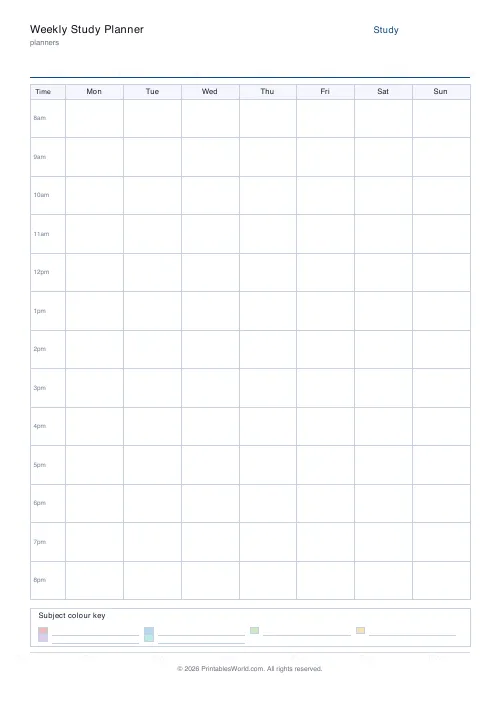
Weekly Study Planner
Weekly 7-day × hourly study timetable with a subject colour-code legend.
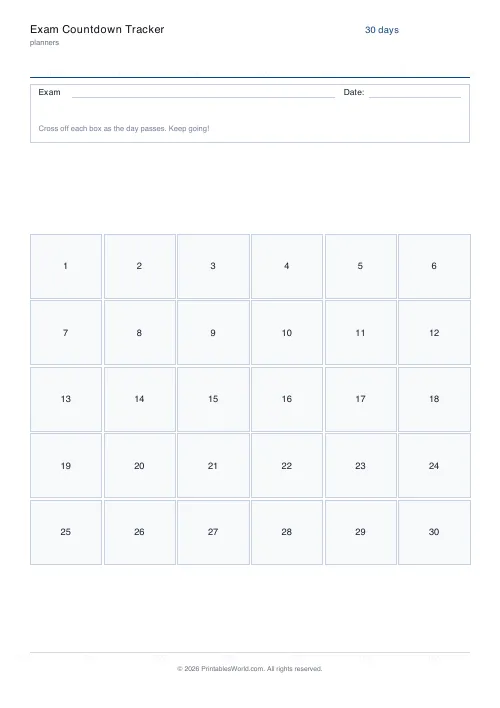
Exam Countdown Tracker
Print a visual countdown grid, 30 days, 12 weeks, or 365 boxes, and cross off each block as you near exam day.
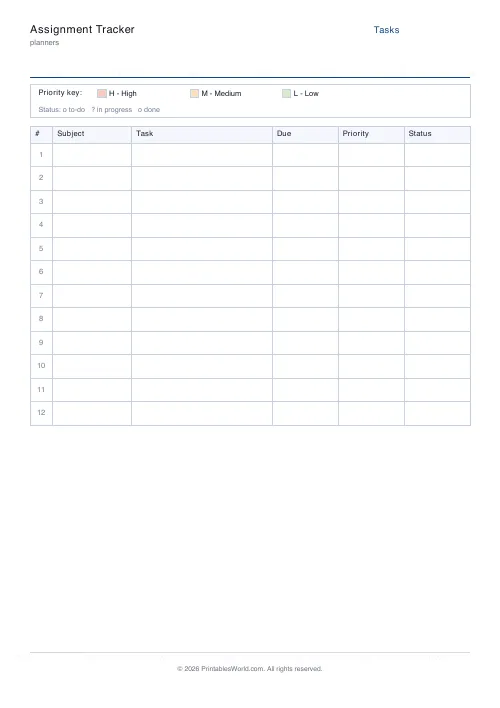
Assignment Tracker
Printable tracker with rows for subject, task, due date, priority, and status.
Further reading
Planners
Study planning for exams: a student's complete guide
A revision timetable is only as good as what goes in the slots. Here is how to build one backwards from the exam date, and which study methods the evidence actually supports.
5 min read
Planners
How to track habits that actually change your life
Habit tracking works because it makes an invisible process visible. It fails when you track too many things, or when protecting the streak becomes more important than the habit.
5 min read













