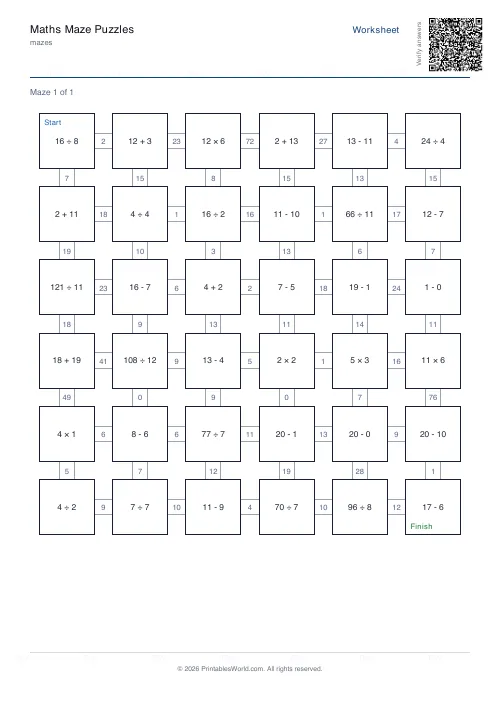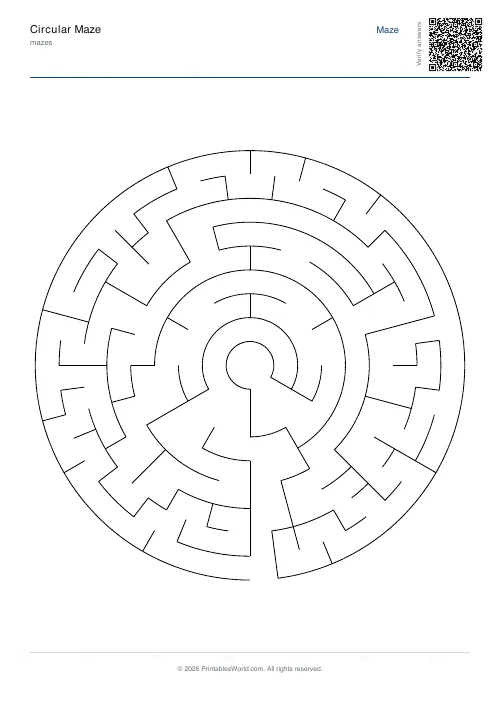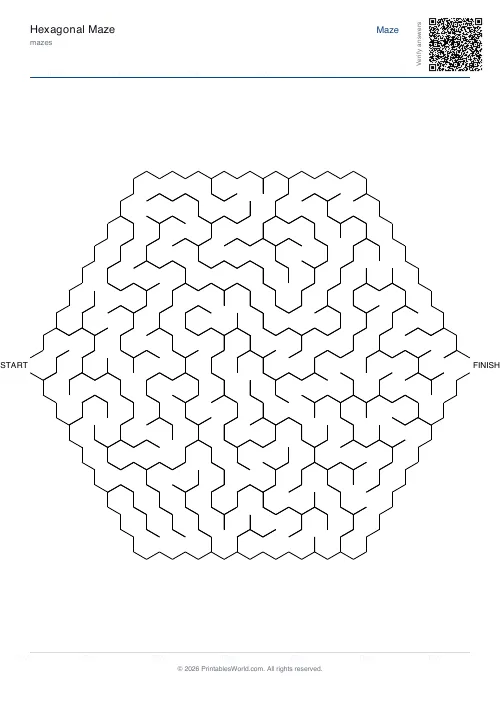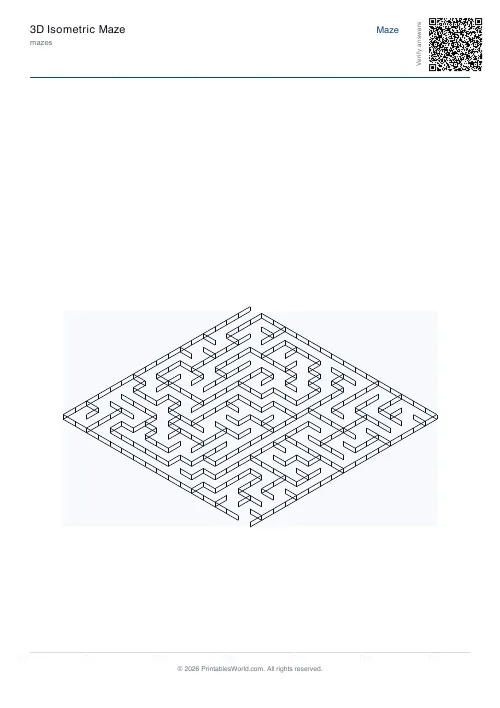
What this tool does
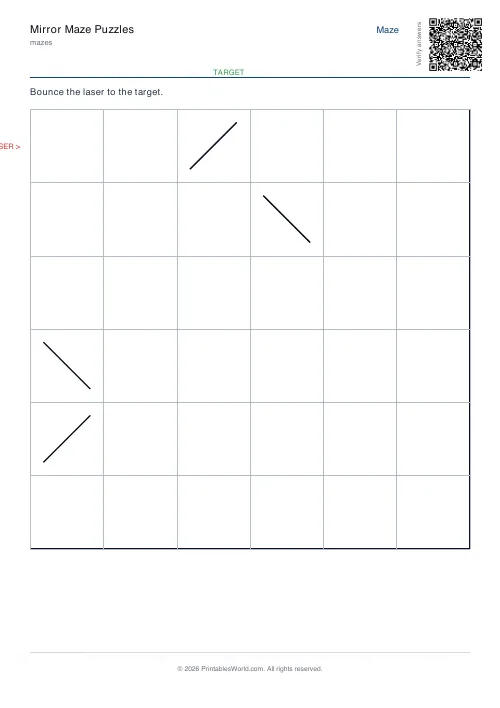
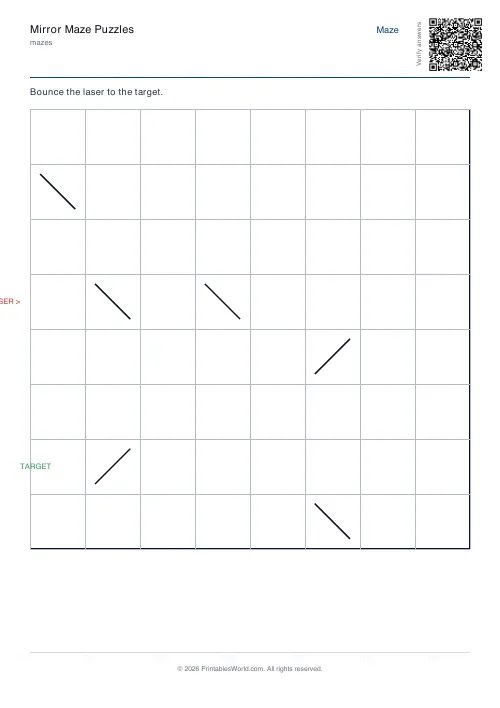
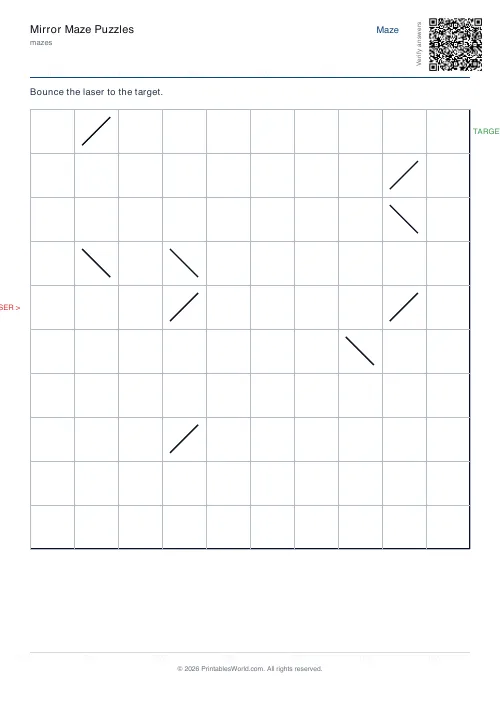
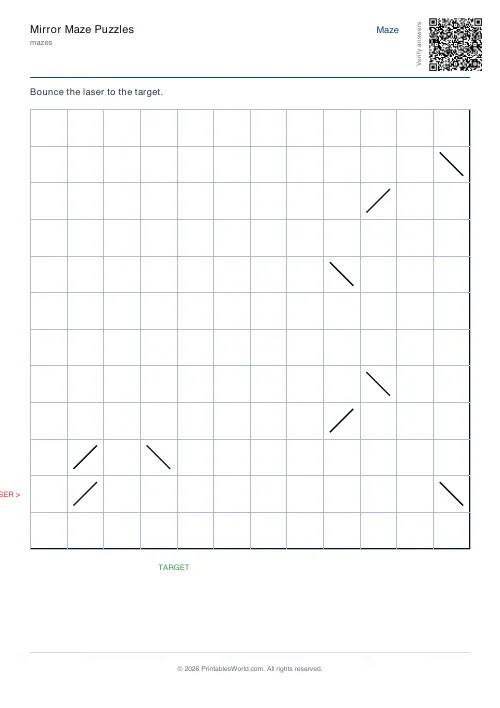
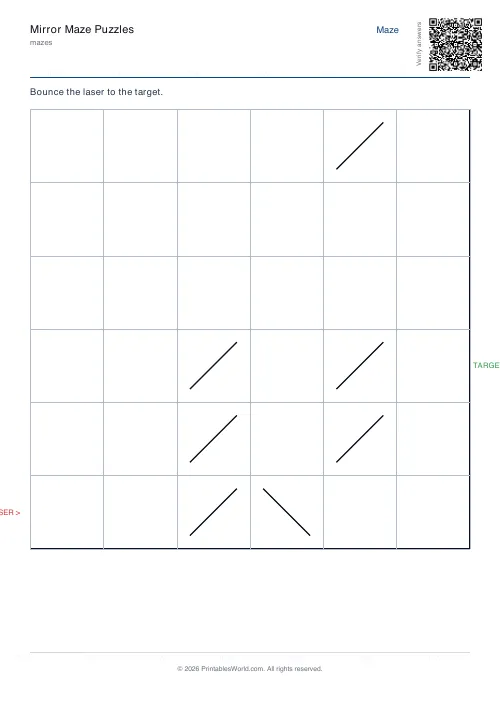
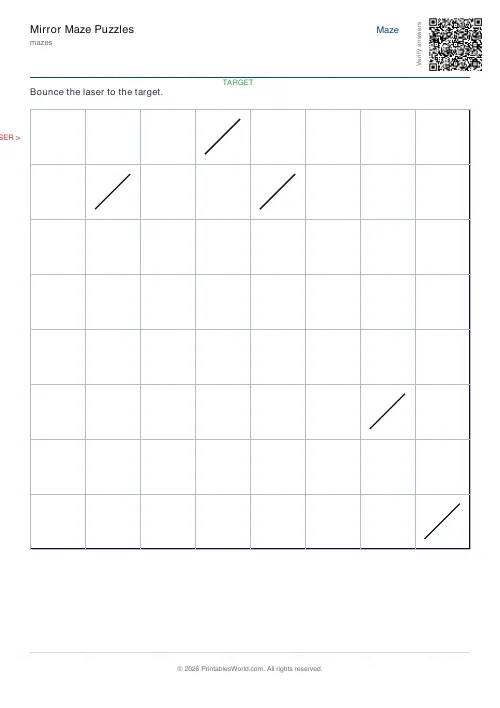
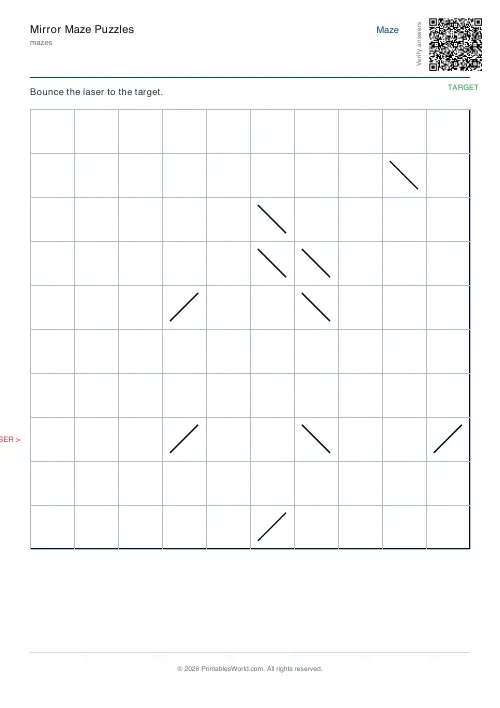
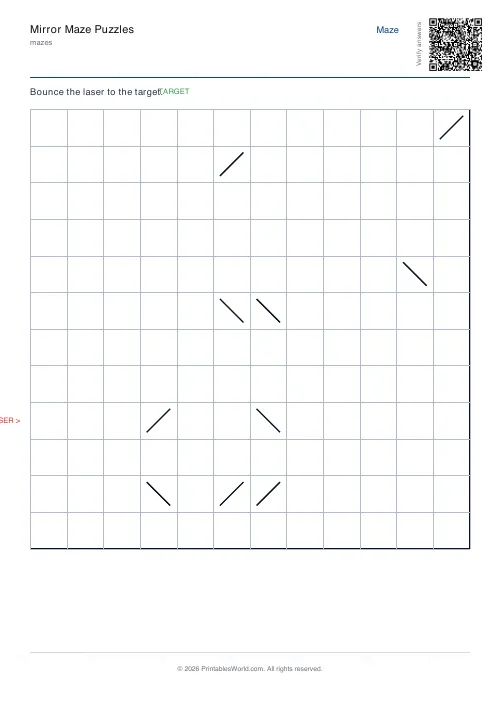
A grid of 45° mirrors with a laser entering from the left edge. Trace the beam's bounces and work out where it comes out. Decoy mirrors sit off the true path. Grids from 6 to 12.
People also used
Feedback
Spotted something off with this tool?
Bounce the beam and predict the exit
A laser enters from the left edge of the grid. The grid contains mirrors set at 45 degrees, each drawn as a / or a \\, and every one turns the beam through a right angle. Follow the bounces and work out which edge cell it leaves from.
You need a pencil to check the answer, not to find it. Holding the bounces in your head instead of drawing them is what makes a small grid harder than it looks.
Reading a mirror
Two mirrors, four incoming directions, eight outcomes. That is the whole rule set, and it is small enough to be learned in a minute and easy enough to get wrong at speed.
A beam travelling east that meets a / turns north. The same beam meeting a \\ turns south. Going west, the two swap. It is worth having a class work out all eight cases on the board before the first sheet, because a solver who is reconstructing the rule at every mirror will lose track by the fourth bounce.
The decoys are the difficulty
Roughly half as many decoy mirrors as the grid is wide are scattered around, placed so that they do not touch the true beam path.
They do nothing at all, and that is exactly why they work. A mirror sitting one row above the beam pulls the eye, and once it is included the beam sets off on a different route that also reaches an edge and also looks correct. A wrong answer here is as convincing as a right one, which is unusual in a puzzle and is the whole reason to work slowly.
Size
Six, eight, ten or twelve cells square. Eight is the default.
Six is a couple of bounces and suits a first attempt. Twelve gives a long path with plenty of decoys and is a genuine adult puzzle — the beam can cross its own earlier route, which is where most errors happen, because the eye picks up the wrong line at the crossing.
The solution page
Turn it on and the beam's path is drawn in, bounce by bounce. It is worth having when you are teaching the rule, since the useful conversation is not "you were wrong" but "which mirror did you take that you should not have".
What it is actually practising
Reflection and angle, obviously, and it makes a decent hook for the physics of it. But the transferable part is holding a state in your head while applying a rule repeatedly — position and direction, updated eight or twenty times, with no notes.
Every layout is generated with a real beam path already traced, so the puzzle always has an answer. Print at 100% on A4 or US Letter.
FAQs
Quick answers
How do the mirrors work?
A "/" mirror reflects a beam from N to E (and so on); a "\" mirror reflects N to W. The beam keeps travelling until it leaves the grid.
How is a solvable layout generated?
A reference beam path is laid down step-by-step, planting mirrors along it. Once the path is fixed, decoy mirrors are sprinkled in cells the beam never visits.
Can I print the solution?
Yes. Toggle the solution option to add a page with the bouncing beam highlighted.
How big can it be?
Up to 12×12 grid cells.
Related tools
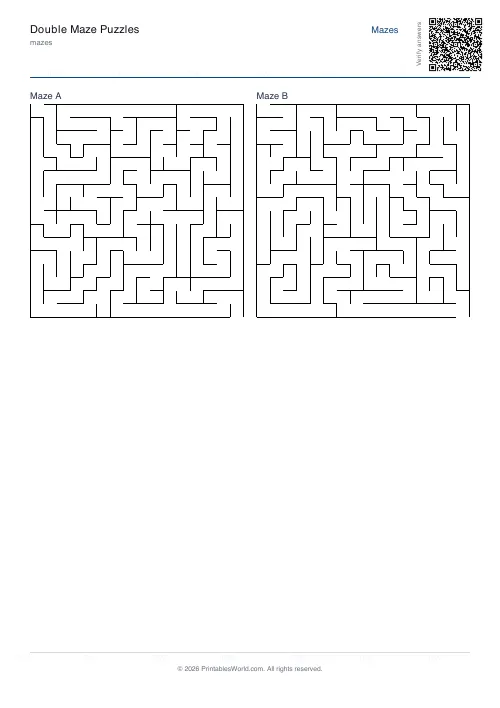
Double Maze Puzzles
Two interlinked mazes that must be solved simultaneously.
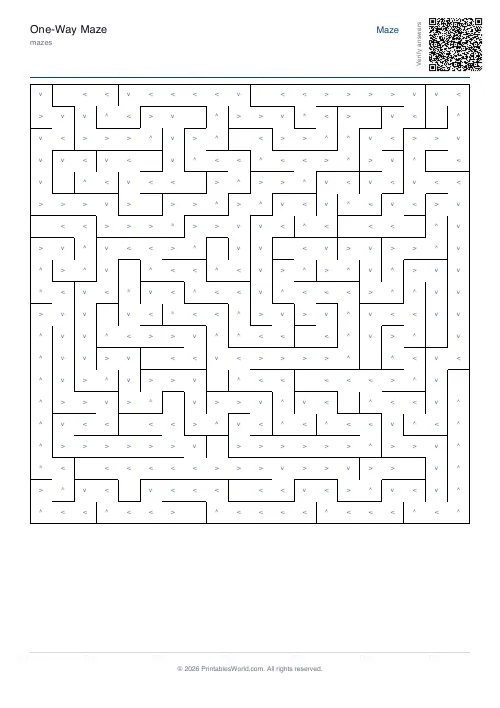
One-Way Maze
Arrows restrict movement to one direction only, adds extra complexity.
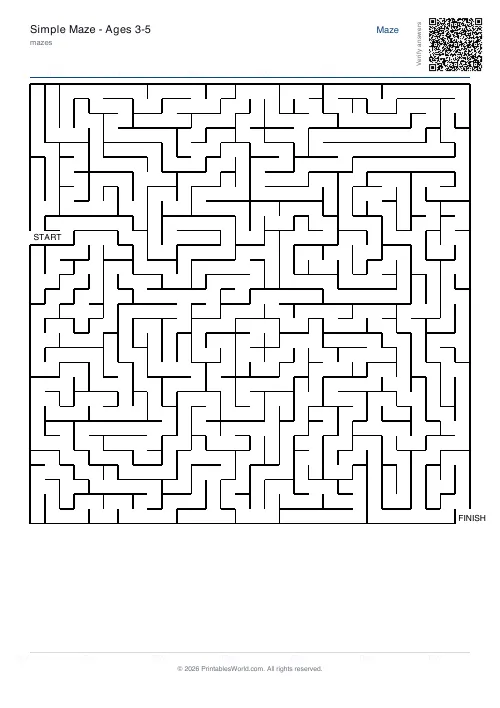
Maze Generator: Printable PDF
Generate printable maze PDFs with custom grid size, difficulty, and layout. Perfect, braided, or room-based.
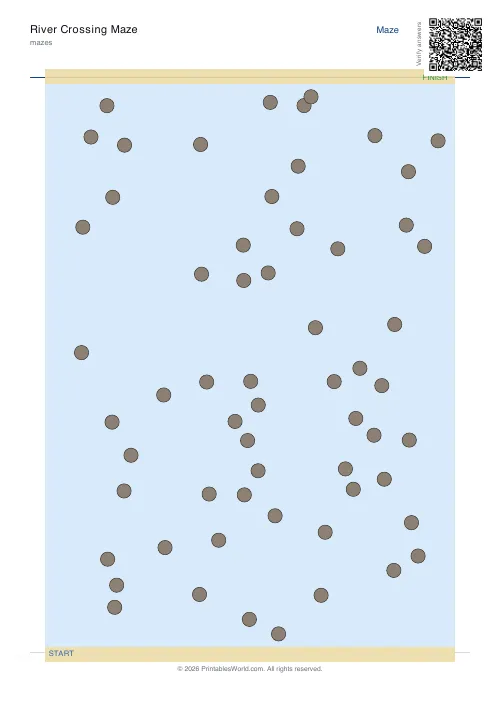
River Crossing Maze
Hop between stones across a winding river to reach the far bank.
Further reading
Mazes
Why mazes are great for kids' development
Mazes are one of the few activities that exercise pencil control and forward planning at the same time. Which is why they suit the years just before formal handwriting.
4 min read
Mazes
Printable maze difficulty: matching mazes to ages
Maze difficulty has two independent dials, and confusing them is why a maze is either too fiddly or too easy. Here is which to turn for which child.
4 min read