What this tool does
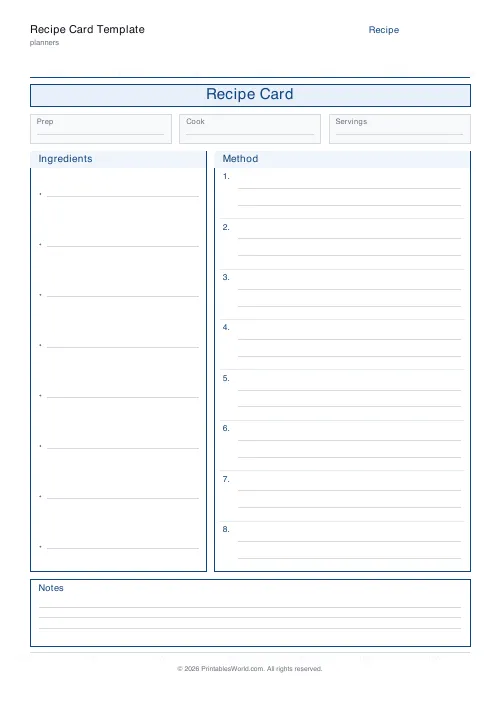
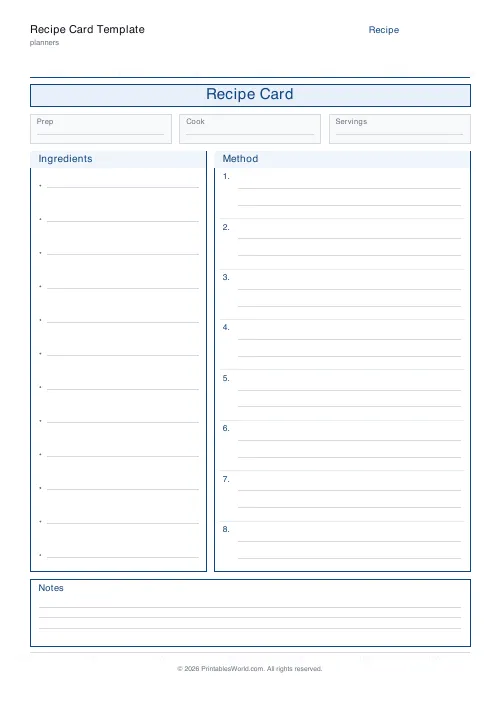
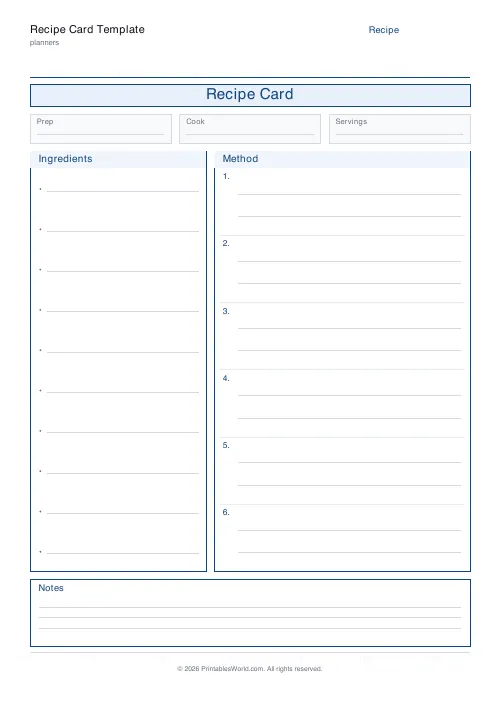
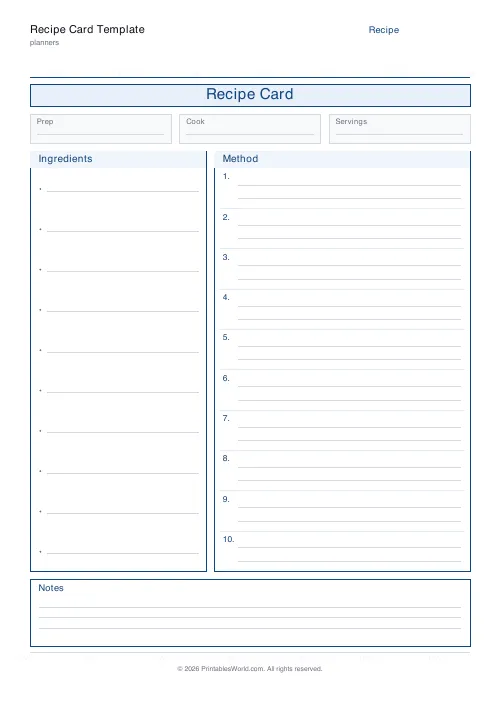
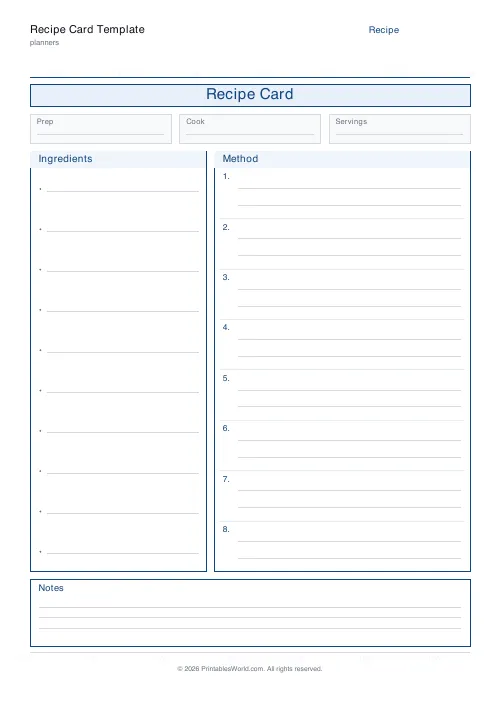
A recipe card to fill in by hand: a title banner, a row for prep time, cook time and servings, bulleted ingredient lines, numbered method steps, and an optional notes box.
People also used
Feedback
Spotted something off with this tool?
The shape a recipe wants
A title banner, a row for prep time, cook time and servings, then a bulleted ingredients block and numbered method steps. A notes box at the foot can be switched off.
Six to sixteen ingredient lines and four to fourteen steps.
Ingredients in the order you use them
The convention in every published cookbook, and the reason is practical rather than aesthetic.
Use-order means you can work straight down the list while cooking, without scanning back and forth, and it makes the prep obvious because everything for the first stage sits together at the top. Alphabetical order, or the order they occurred to you, forces a search at every single step.
Group by stage where a recipe has them. Sauce ingredients together, not scattered.
Write quantities in one system and be specific
Pick grams or ounces and stay there. A card that mixes the two gets misread eventually, most likely by you.
"One onion" is ambiguous by a factor of three. "One medium onion, about 150g" is not, and the difference matters more in baking, where a recipe written in cups and copied by somebody with a different cup is a recipe that fails for no visible reason.
Method steps: one action each
The numbering is doing work, so use it. A step that contains three verbs will have two of them skipped by whoever is cooking with flour on their hands.
Include the sensory cue rather than only the time. "Fry for 8 minutes until golden and soft" survives a different pan and a different hob; "fry for 8 minutes" does not, and timings are the first thing to go wrong in somebody else's kitchen.
The notes box is where the recipe becomes yours
What went wrong the first time. What you changed. What it goes with, who liked it, how long it keeps, whether it freezes.
That is the information a printed cookbook cannot contain and the reason handwritten recipe cards get passed down. A card with "too salty — use half the stock" written under it is worth more than the original.
Date it and sign it. In thirty years that matters.
Settings and printing
A title, ingredient lines, method steps, and the notes box. A4 or US Letter, printed at 100%.
Print on card if the recipe is going into a box or a kitchen drawer — paper does not survive a kitchen. Laminating is the other option, though you lose the ability to add to the notes, which is the part that matters most later.
FAQs
Quick answers
How many ingredient lines do I get?
Choose between 6 and 16 ingredient lines. Enough for simple weeknight dinners and longer bake recipes alike.
How many method steps?
Pick between 4 and 14 numbered method steps. Each step has two writing lines.
Can I hide the notes section?
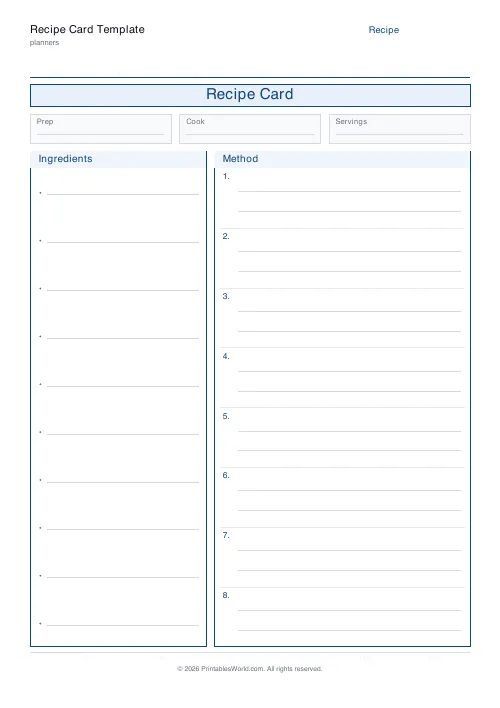
Yes. Turn off "Include notes" and the body expands to fill the full page.
Can I print several cards at once?
Generate the PDF once and print multiple copies from your printer. Each card is one page.
Related tools

Weekly Meal Planner
Plan seven days of breakfast, lunch and dinner on one printable page.
Monthly Meal Planner
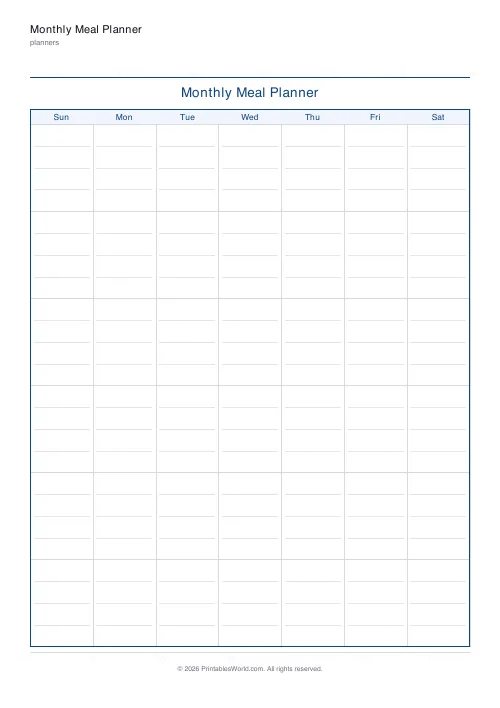
A calendar-style monthly meal planner with space to write meals in every day.
Grocery List
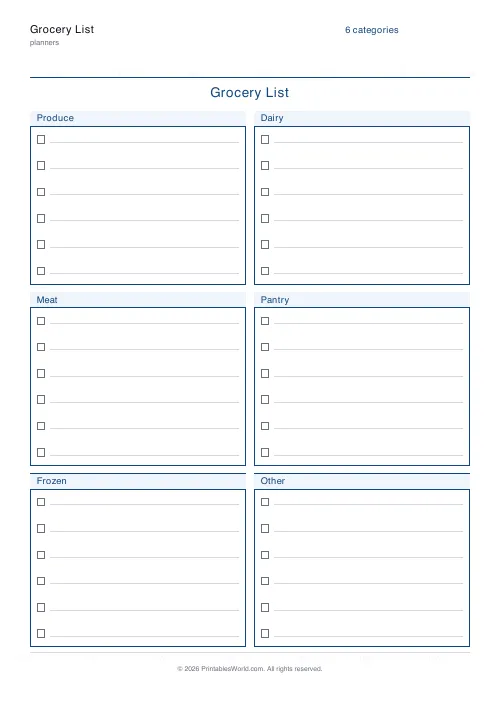
Printable categorised grocery list with tick boxes for every item.
Kanban / Task Board
Printable Kanban board with labelled columns and card slots for tasks or sticky notes.
Further reading
Planners
Study planning for exams: a student's complete guide
A revision timetable is only as good as what goes in the slots. Here is how to build one backwards from the exam date, and which study methods the evidence actually supports.
5 min read
Planners
How to pay off debt faster with a payoff tracker
One method costs less; the other is easier to stick to. Here is how to choose between them honestly, and why a visual tracker changes the odds either way.
5 min read
Planners
Meal planning 101: save time and money every week
A weekly meal plan saves money mainly by changing how you shop. Here is a thirty-minute method, the shortcuts that keep it going, and the mistake that ends most plans in week three.
5 min read












