Scan to get


 Scan to get



 Scan to get






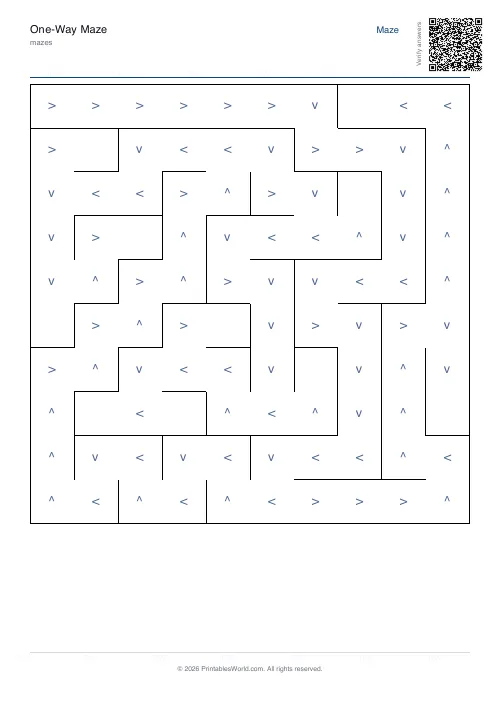
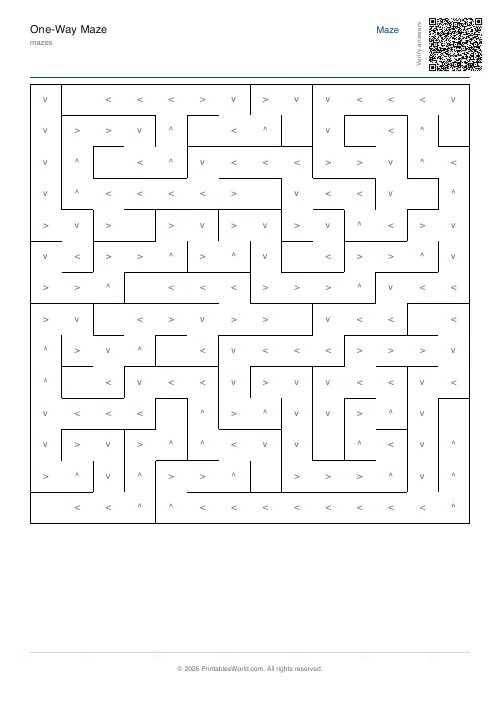
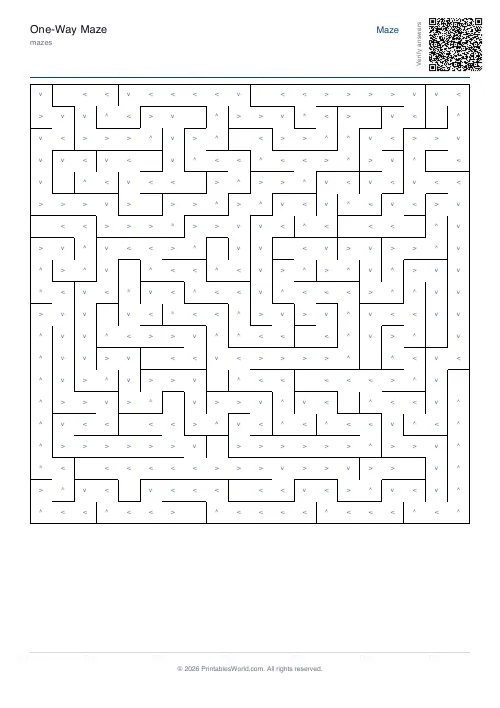
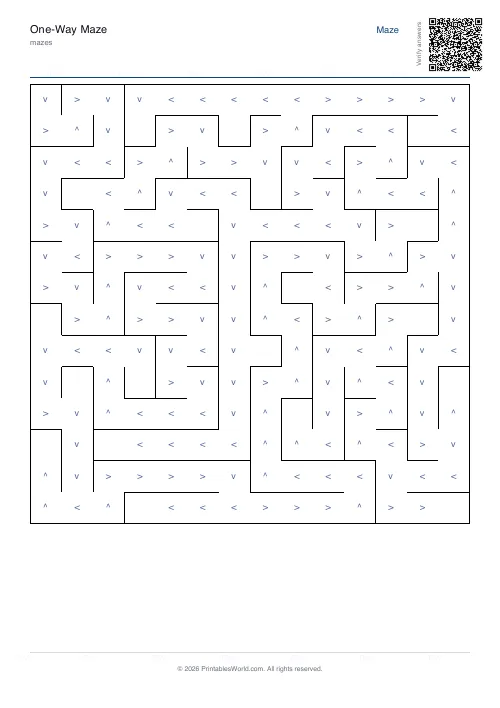
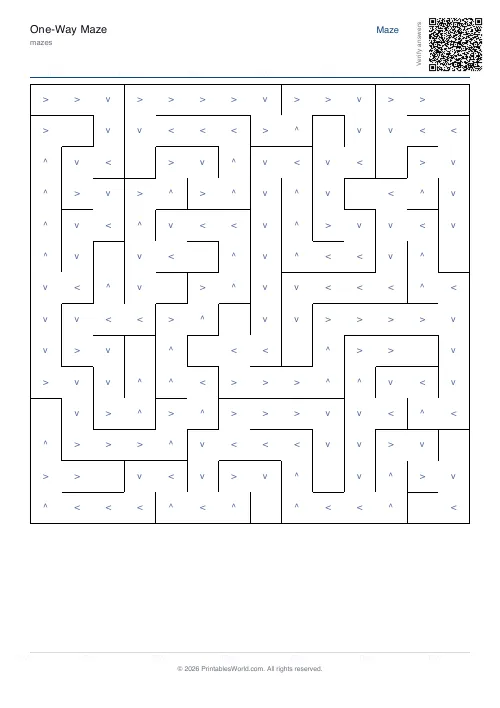
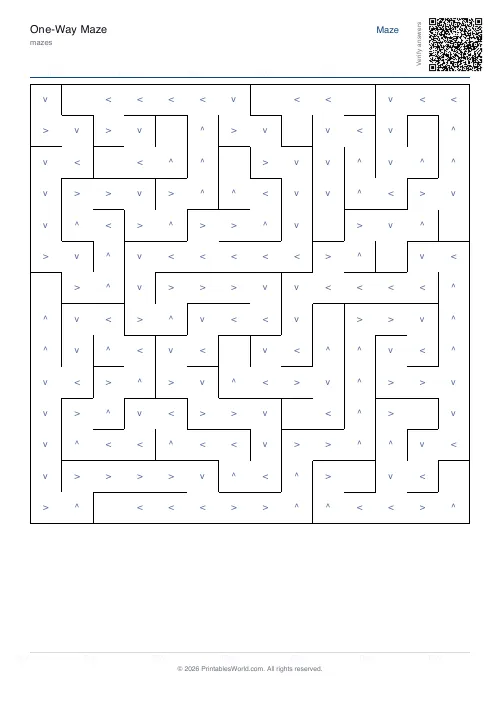
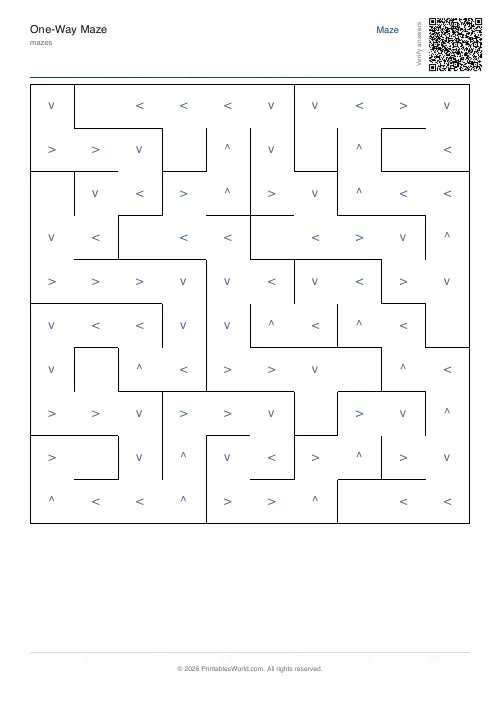
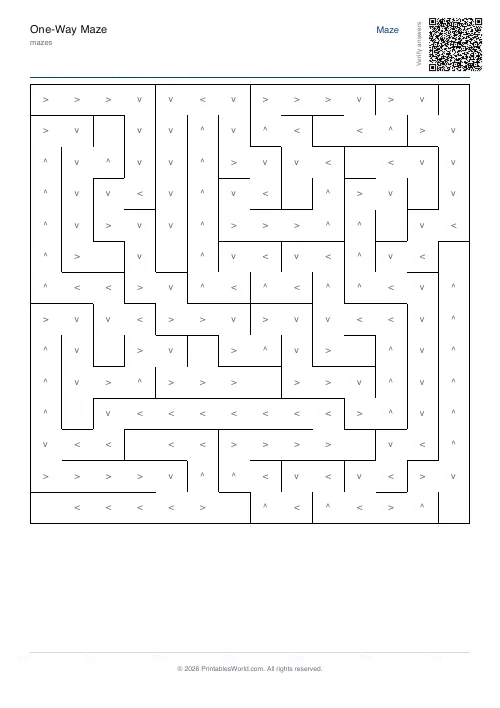
What this tool does
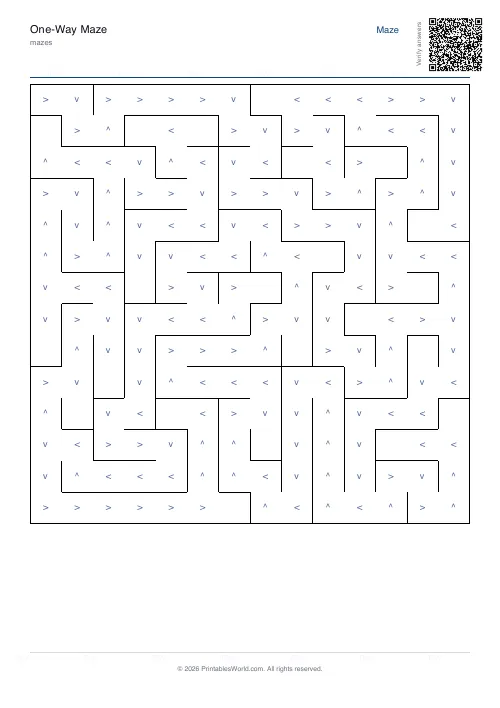
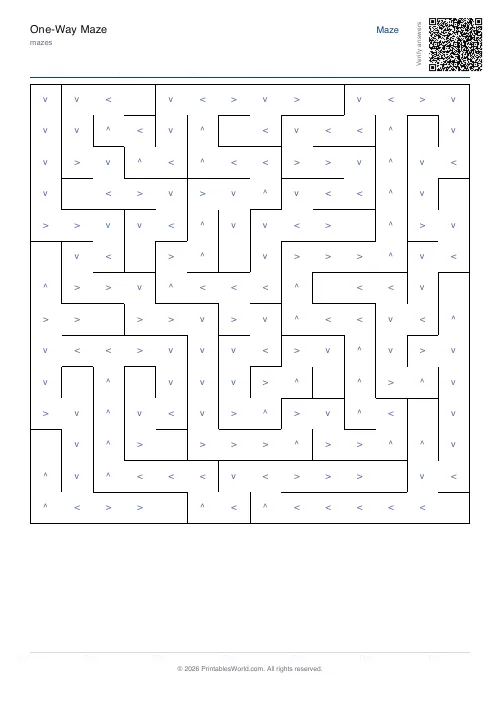
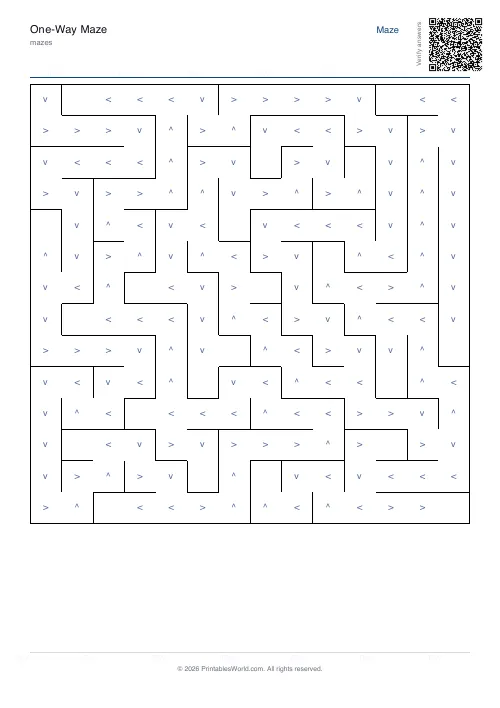
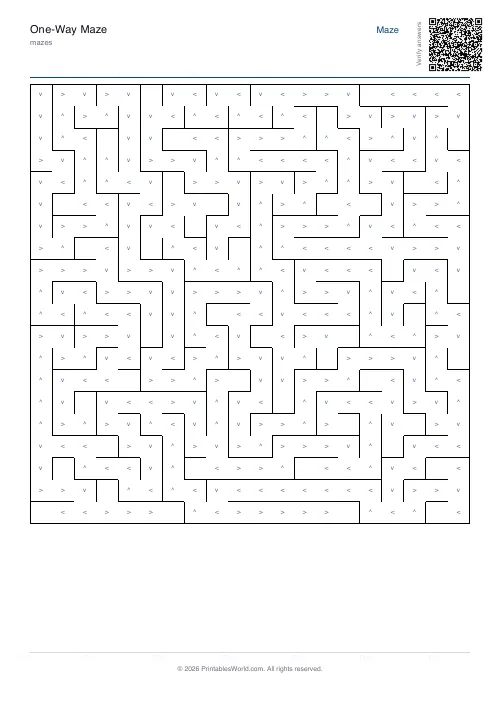
A grid where every cell carries an arrow, and the arrow is the only way out. The arrows are built so that following them from any cell leads to the exit. Grids from 10 to 20, with an optional route overlay.
People also used
Maze Generator: Printable PDF
Generate printable maze PDFs with custom grid size, difficulty, and layout. Perfect, braided, or room-based.
Rooms and Doors Maze
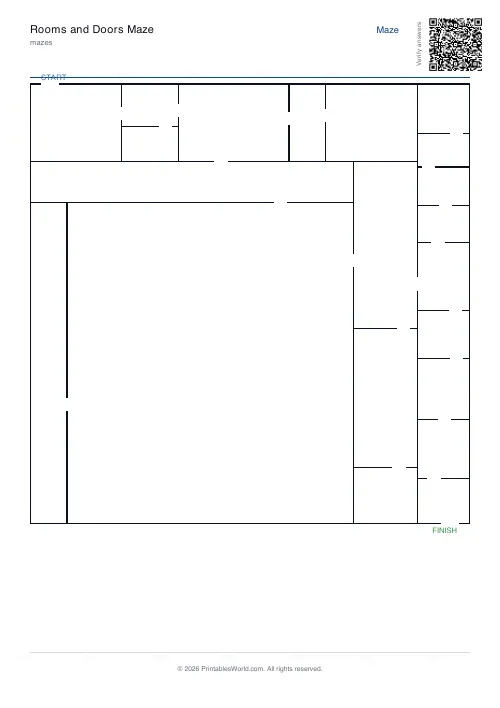
Navigate through rooms connected by single doors. Floor-plan style layout.
Math Maze Generator
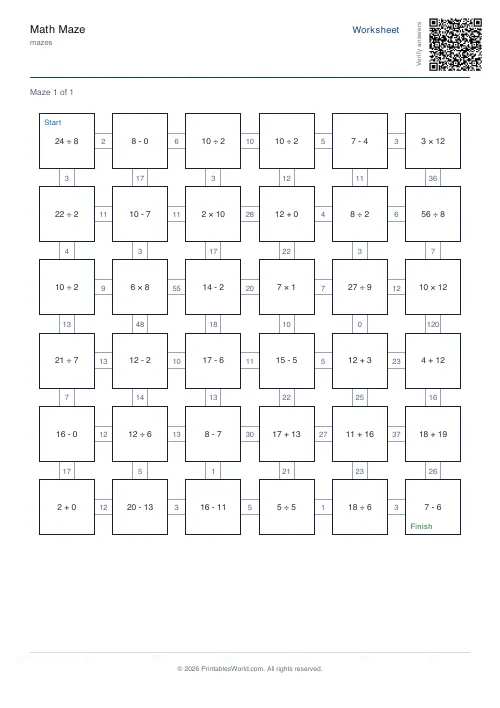
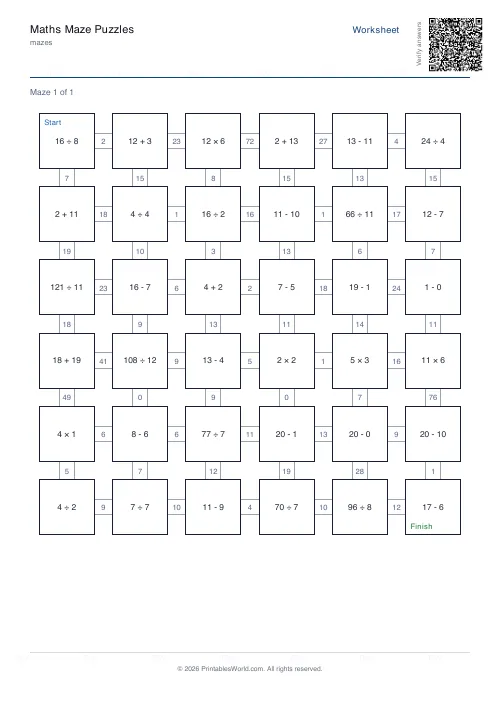
Print math maze worksheets where students solve arithmetic to find the correct path through the grid.
Feedback
Spotted something off with this tool?
A maze you solve by following arrows, not by guessing
Every cell in the grid has an arrow. You may only leave a cell in the direction its arrow points, which means the usual maze technique — try a corridor, hit a dead end, come back — does not apply. There is nothing to try. There is only the move the cell allows.
What the arrows guarantee
They are computed by working backwards from the exit, so every arrow points one step closer to it. Follow them from the start and you get out. Start from any other cell on the page and you get out from there too.
That property is the interesting one, and it is worth pointing out to a class: drop your pencil anywhere on this page and the arrows will still take you out. It is a small demonstration of something real — a tree of pointers all leading to one root — and it is the same structure behind routing tables, file paths and the way a satnav recomputes when you miss a turn.
So is it a puzzle?
Honestly, no — it is a tracing activity rather than a deduction puzzle. One legal exit per cell means no branch point, and no branch point means nothing to work out.
What it does train is careful, committed following — reading a symbol correctly, moving accordingly, not losing your place across a 20×20 grid. That is genuinely useful for younger children and for anyone working on visual tracking, and it is a good deal harder to do without an error than it sounds. A 20×20 route is a long chain, and one misread arrow puts you somewhere else entirely.
Options on the form
Grid size at 10, 12, 14, 16 or 20 cells square. Difficulty, which changes how twisty the underlying corridors are rather than the arrow rule — easy gives long straight runs, hard turns constantly, so the arrow sequence has many more direction changes to read. A solution overlay, a seed, and A4 or US Letter.
For a first attempt, 10 on easy. For someone who wants to be tested, 20 on hard is a chain of well over a hundred moves.
How to use it in a lesson
Give out the sheet without the solution and ask everyone to start from a different cell. Everyone arrives at the same exit, which is a surprising result to a class and a good opening for the question of why.
Then ask what would happen if one arrow were turned around. Some of the class will see it immediately; the rest will find out by tracing.
Print at 100% on A4 or US Letter.
FAQs
Quick answers
How do the arrows work?
Each cell's arrow points to the next cell along the BFS tree from start. Solvers must follow the arrows in sequence. They cannot move against an arrow.
Is there always a solution?
Yes. The arrow graph is built from a BFS tree, so start always reaches finish.
Can I print the solution?
Yes. Toggle the solution option to add a second page with the route overlaid.
How big can it go?
Up to 22×22. Larger grids mean a longer enforced path.
Related tools
Further reading
Mazes
Why mazes are great for kids' development
Mazes are one of the few activities that exercise pencil control and forward planning at the same time. Which is why they suit the years just before formal handwriting.
4 min read
Mazes
Printable maze difficulty: matching mazes to ages
Maze difficulty has two independent dials, and confusing them is why a maze is either too fiddly or too easy. Here is which to turn for which child.
4 min read