


 Scan to get


 Scan to get



 Scan to get






What this tool does
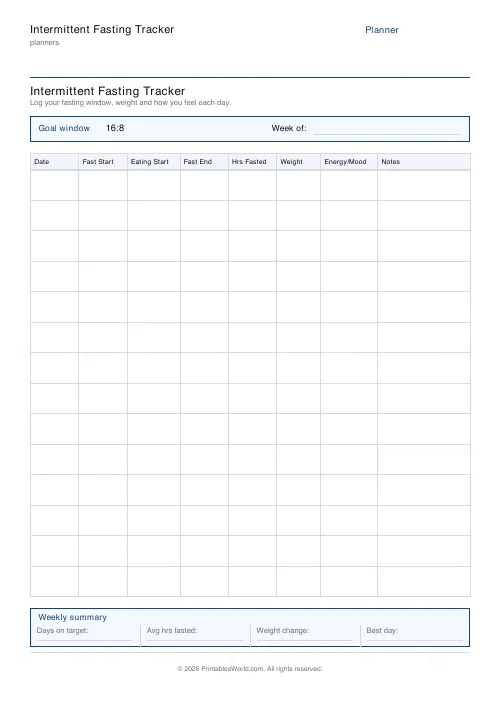
An eight-column fasting log: date, fast start, eating window start, fast end, hours fasted, plus weight, energy, notes. Set your goal window and print 7 to 21 day rows.
People also used
Feedback
Spotted something off with this tool?
The columns
Date, fast start, eating start, fast end, hours fasted. Then weight, then a column for energy or mood, then notes. Your goal window prints in the header — 16:8, 18:6, OMAD, whatever you are actually doing — and there is a summary strip at the foot for the week.
Seven to twenty-one rows. Fourteen by default — a fortnight, which is about the shortest run that shows you anything at all.
Four time columns for a reason
Recording only "16 hours" loses the information that matters.
Two people both fasting sixteen hours can be doing quite different things. One finishes at 8pm and eats again at noon; the other finishes at midnight and eats at 4pm. Same number. Different sleep, different social life, different odds of sticking to it. Writing all four times down shows the pattern you actually keep rather than the one you meant to.
The energy column
Fill it in. It is the column people skip, and the one that ends up changing what they do.
The first week or two of a new eating window tends to feel bad. Headache, irritability, poor concentration. It usually settles. Are you in week one of that, or week five? Push through the first. Stop persisting with the second. The sheet answers the question; recollection does not.
Weight, weekly rather than daily
The column is there every day and you do not have to use it every day.
Daily weight swings several pounds on water and salt and how you slept. Reading that noise as signal is discouraging for no reason at all. Weigh once or twice a week, same time, same conditions, and watch the direction over a month rather than any single reading.
Notes
What broke the fast, what you ate, what happened. "Broke early — birthday lunch" is information. A blank row is not.
Over a fortnight the notes column is usually where the real answer lives. Most people find their fasts break for social reasons rather than hunger, and that is a solvable problem once you can see it written down four times in a row.
Please read this part
Intermittent fasting does not suit everyone, and for some people it is actively unsafe. That includes anyone pregnant or breastfeeding, anyone with diabetes or on medication that has to be taken with food, anyone with a history of disordered eating, and children and adolescents.
Talk to your doctor before starting, particularly if any of that applies. This sheet records what you do; it does not recommend that you do it.
FAQs
Quick answers
How many days can I track on one sheet?
Between 7 and 21 day rows per page. The default (14) covers a fortnight. For longer stretches, print a second sheet.
Which fasting windows does it support?
Any window you like. The picker offers 16:8, 18:6, 20:4, OMAD, 5:2 and 14:10, and your choice is printed in the goal header strip so you can compare each day against target.
What do I record in each row?
Date, Fast Start, Eating Window Start, Fast End, Hours Fasted, Weight, Energy/Mood and Notes. Fill in as many columns as you find useful. Weight and mood are optional.
Is this a fillable PDF or a timer?
No. It prints as a clean worksheet you fill in by hand. There is no timer and no auto-calculation, which keeps it universal, offline and app-free.
How do I calculate hours fasted?
Count the hours between your fast start (usually your last bite the evening before) and your fast end the next day. Write that number in the Hours Fasted column and compare it to your goal window.
Does the weekly summary total automatically?
No. The summary strip gives you labelled spaces for days on target, average hours fasted, weight change and best day, which you fill in at the end of the week.
Is intermittent fasting safe for everyone?
This tool is a tracker, not medical advice. Fasting is not suitable for everyone. Talk to a healthcare professional before starting, especially if you are pregnant, diabetic or taking medication.
Related tools

Weekly Meal Planner
Plan seven days of breakfast, lunch and dinner on one printable page.

30-Day Habit Tracker
A printable 30-day habit grid to tick off every morning. One row per habit.
Reading Log Template
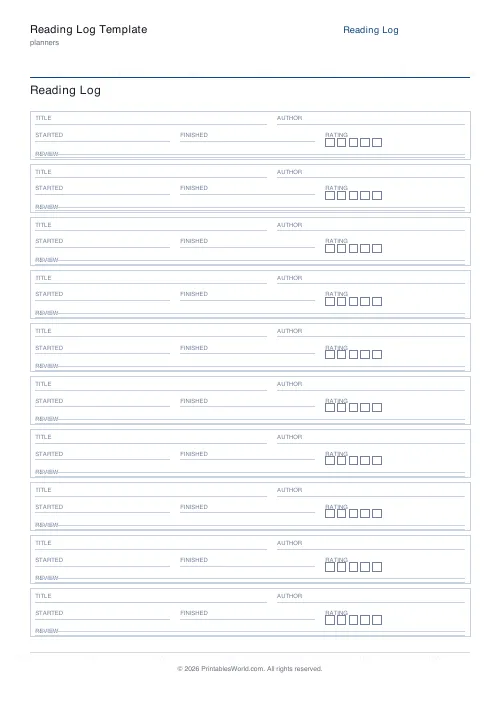
Printable reading log. Track titles, authors, dates, ratings, and reviews.
Grocery List
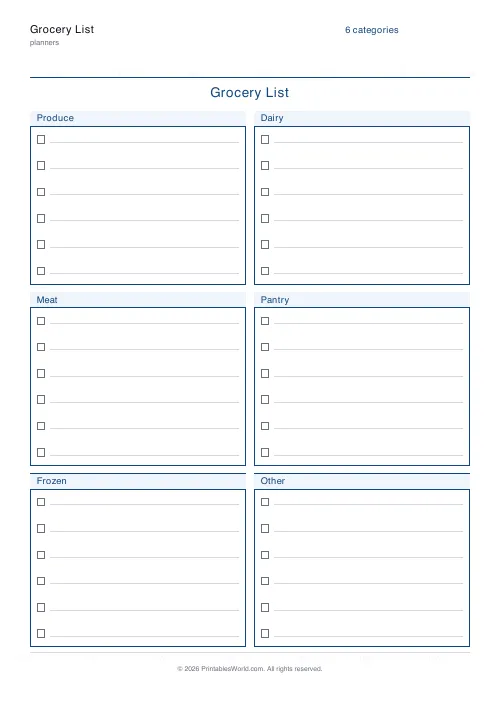
Printable categorised grocery list with tick boxes for every item.
Body Measurement Tracker
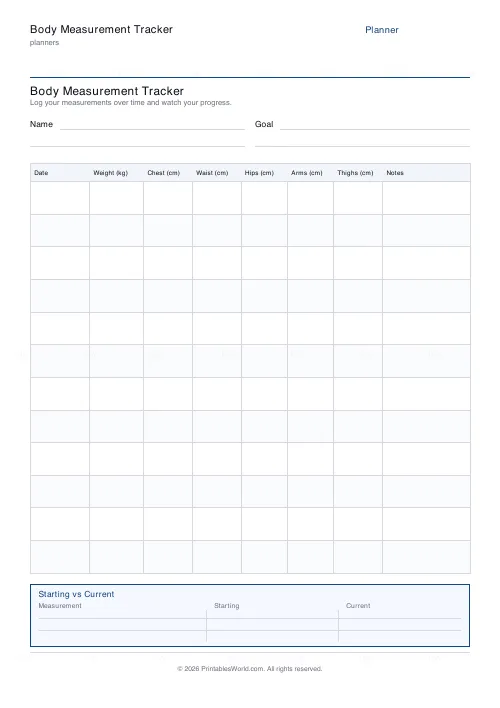
One-page printable body measurement log: date, weight and key measurements over time.
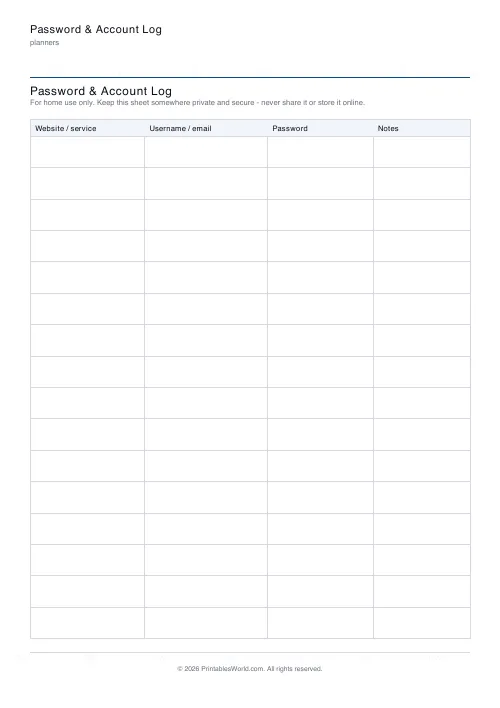
Password & Account Log
Printable password & account log: website, username/email, password and notes. For keeping at home.
Further reading
Planners
How to pay off debt faster with a payoff tracker
One method costs less; the other is easier to stick to. Here is how to choose between them honestly, and why a visual tracker changes the odds either way.
5 min read
Planners
Study planning for exams: a student's complete guide
A revision timetable is only as good as what goes in the slots. Here is how to build one backwards from the exam date, and which study methods the evidence actually supports.
5 min read
Planners
Meal planning 101: save time and money every week
A weekly meal plan saves money mainly by changing how you shop. Here is a thirty-minute method, the shortcuts that keep it going, and the mistake that ends most plans in week three.
5 min read











